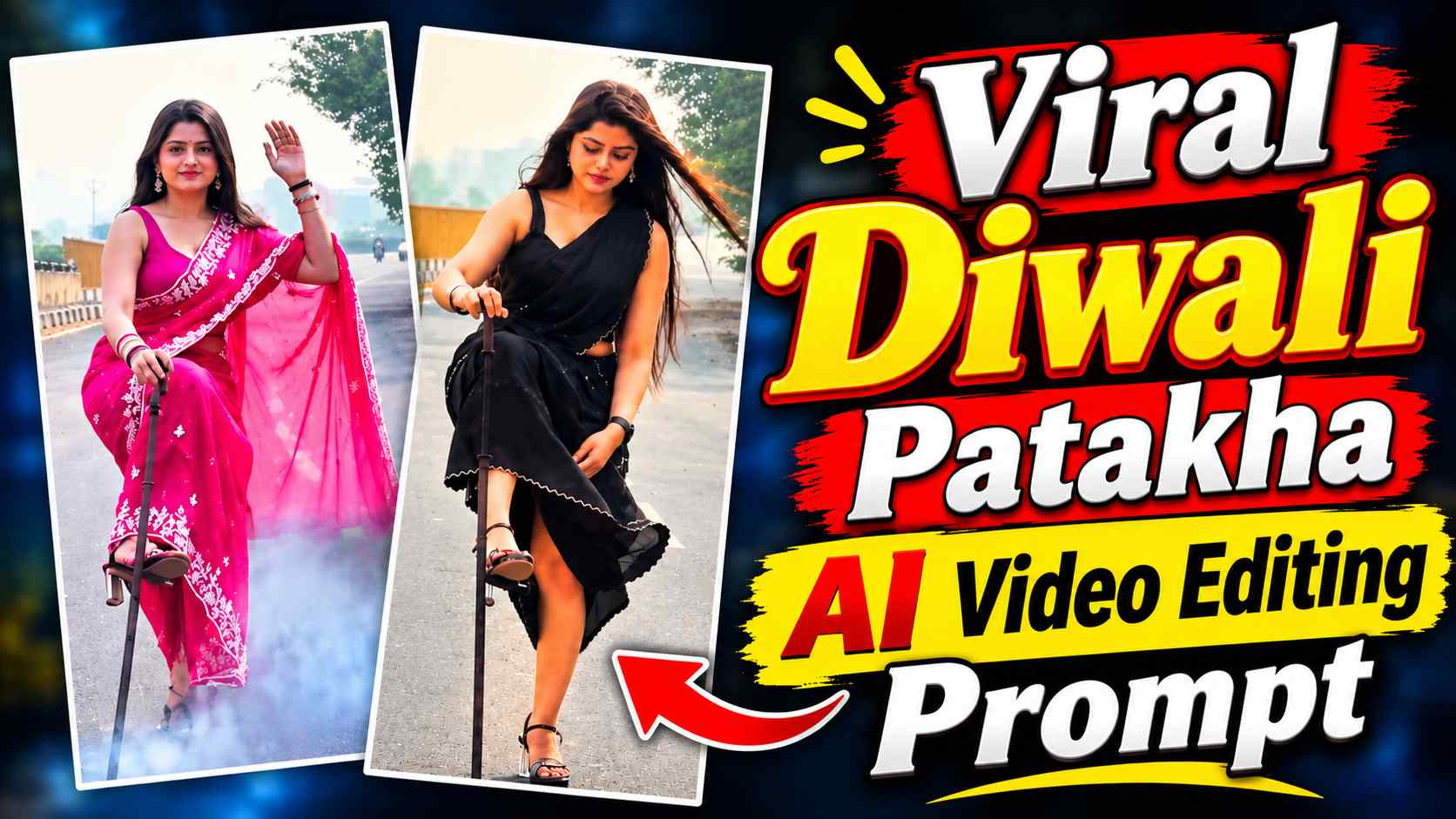
Diwali Patakha AI Video Prompt – A new trend of Diwali firecracker AI videos is currently circulating on social media, featuring a person lighting firecrackers during a Diwali-themed event. These videos feature cinematic camera movements, striking poses, and visual effects like lighting and smoke, making them truly captivating. The key is that you no longer need to shoot these videos yourself. Google Flow AI allows you to replace a character in a reference video with a photo of your choice. You’ll need a reference video, your desired photo, and the appropriate video prompt. In this article, we’ll walk you through the process, including different prompts for both boys and girls, so you can create a similar Diwali AI video with your favorite character.
About Diwali Firecracker AI Video Editing
Google Flow’s video generation feature can be used to create Diwali firecracker AI videos. In this, the scene, camera movement, and activity are explained using a reference video, while the main character of the video is created from your uploaded photo. This means that if you’re using a photo of a boy, you’ll need to select the “Boy” prompt, and if you’re using a photo of a girl, you’ll need to select the “Girl” prompt. During this process, ensure your photo is clear and facial recognition is clearly visible. Also, have a reference video saved on your device so it can be easily uploaded to Google Flow. In both options below, the option to save the reference video is given first, followed by the corresponding prompt.
How to Create Diwali Firecracker AI Video Using Google Flow
First, click the “Save Reference Video” option in this article to save the reference video to your mobile or computer. Then, open the Google Flow website, log in with your account, and click “New Project.” Now, upload the saved reference video and the photo whose character you want to use in the video to your project. If you have selected a photo of a boy, then copy and paste the Boy video prompt and if you have selected a photo of a girl, then copy and paste the Girl video prompt into Google Flow. As per the instructions given in the prompt, the AI will create a new video with the character from your photo, keeping in mind the scene and movement of the reference video. After this, click on the Generate option and wait for the video to be created. Once the video is ready, check it by watching it completely and if you like it, save it to your device.
Diwali Firecrackers AI Video Editing Prompts for Boy & Girl
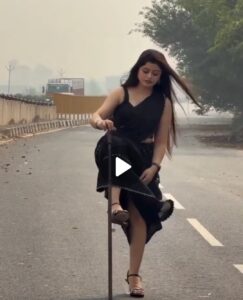
Now, below, you’ll find a reference video and separate prompts for both Boy and Girl to create this Diwali AI video. First, click the Save Reference Video option and save the video to your mobile or computer. Then, copy the Boy or Girl prompt as desired. Upload a photo of the corresponding character along with the reference video to Google Flow and use the prompt accordingly. Note that the reference video is the same for both prompts, so there’s no need to save it again.
Reference Video Save Link Here
Diwali Patakha Prompt for Boy
Diwali Patakha Prompt for Girl
CREATE VIDEO
How to Generate and Save Your Diwali AI Video
After uploading the reference video and your favorite photo, generate the video using the appropriate prompt in Google Flow. Once the video is ready, play it back to ensure the character’s face, clothing, pose, and movements are accurate. If the video is as you expected, save it to your mobile or computer using the Save option in Google Flow. You can then open it in a video editing app like CapCut or VN and trim the beginning and end as needed. To enhance the video, you can add Diwali-related background music, light sound effects, and text. If you want to share it on Instagram Reels or YouTube Shorts, export it in a 9:16 vertical format so the video displays well on mobile screens.
Final Thoughts
If you want to create a stunning AI video with your favorite boy or girl character this Diwali, you can definitely try this trending video concept with Google Flow AI. In this article, we have explained how to create a video using a single reference video and two different prompts. You have to first save the reference video, then use the Boy or Girl prompt as per your choice of photo and generate the video in Google Flow. After the video is ready, you can add music and other editing effects as per your choice and share it on Instagram Reels or YouTube Shorts. Hope this article helps you in creating Diwali Firecrackers AI Video.