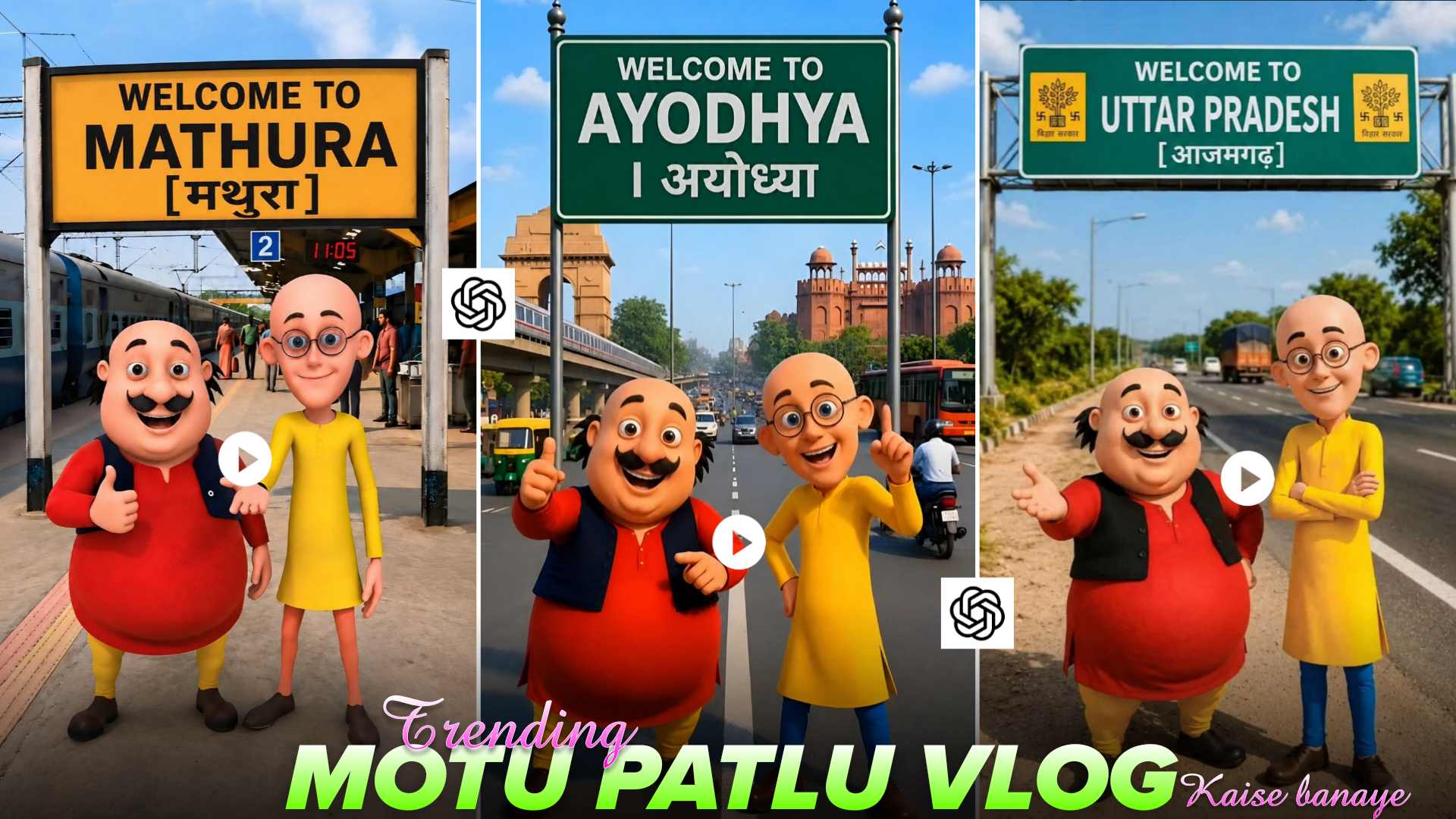
Motu Patlu AI Video Editing Prompts – Hello friends! If you watch Instagram, YouTube Shorts, or Facebook Reels, you have likely come across the “Motu Patlu” AI videos that are currently trending. In these videos, Motu and Patlu are seen wandering through city streets or exploring fields and beautiful natural landscapes. People are loving their entertaining style—featuring cinematic camera movements and AI animation—and these videos are going viral across social media. If you want to create similar “Motu Patlu” village exploration AI videos, this article will be very helpful. Here, I will guide you step-by-step on how to create such videos using the right AI prompts. I will also show you where to find these prompts so you can copy them and create amazing “Motu Patlu” AI video vlogs in just a few minutes.
Complete Guide to Motu Patlu City & Village Explore AI Video Editing
If you have recently seen the viral “Motu Patlu and Village Explorer” AI videos on social media, you must have noticed that Motu and Patlu appear wandering through various cities, villages, and famous landmarks. A standout feature is that the name of your own city or village appears in the background, making the video feel personal and engaging. You can customize the background to your liking—using scenes such as railway stations, bus stands, villages, markets, or famous tourist spots. Next, the image is animated using an AI tool, and your choice of dialogue or voiceover is added. This is why people are rapidly creating and sharing these Motu Patlu videos—featuring their city or village names—on Instagram Reels, YouTube Shorts, and Facebook. If you would like to create a similar video, you can use the prompts provided in this article.
Create Motu Patlu AI Photo of Your City or Village
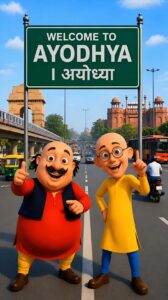
If you want to create a Motu Patlu AI video featuring the name of your city or village, the first step is to generate an AI image of Motu Patlu. You can use AI tools like ChatGPT or Gemini for this purpose. In this article, we have provided an excellent AI prompt that you can copy to create an image tailored to your preference. First, copy the reference photo and the prompt provided in the article. Next, open ChatGPT or Gemini and upload the reference photo. Then, paste the copied prompt into the chat box. Replace the placeholder for the city or village name in the prompt with the actual name of your town or village, and submit the prompt. Within just a few seconds, the AI will generate a fantastic Motu Patlu image featuring your city or village’s name. Once the image is ready, download it; we will use this image in the next step to create an AI video that looks just like a viral Motu Patlu-style vlog.
Motu Patlu AI Prompts
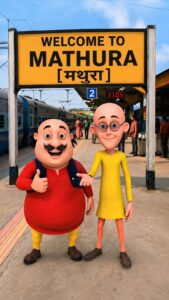
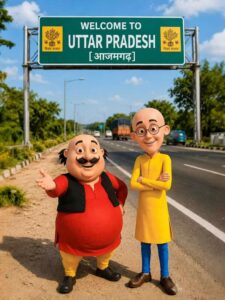
SAVE PHOTO HD QUALITY
Create Motu Patlu AI Video Using YouTube Create AI
Motu Patlu AI Video Prompt
Once your Motu Patlu AI photo is ready, the next step is to convert it into a video. To do this, open the YouTube Create app on your mobile and select the “AI Image to Video” option. Upload the Motu Patlu AI photo you created earlier, and then paste the text—what you want Motu and Patlu to say in the video—into the prompt section. Don’t worry if you don’t know how to write a prompt; I have provided a dialogue prompt in this article that you can simply copy and use. After submitting the prompt, the tool will transform your photo into an amazing Motu Patlu vlog video. Once the video is ready, you can save it to your device and easily share it on social media platforms like Instagram Reels, YouTube Shorts, or Facebook.
Conclusion
If you want to create those viral “Motu Patlu City/Village Exploration” AI videos, I hope this article has been helpful. In this guide, we have explained the entire process—from creating the AI photo to converting it into a video—in simple language. We have also shared the necessary photo prompts, dialogue prompts, and steps to help you create a fantastic Motu Patlu AI video featuring your own city or village name in just a few minutes. If you liked this article, please share it with your friends so they can create fun AI videos too. Keep visiting Vishu Editz for more AI prompts, ChatGPT/Gemini tutorials, and the latest AI video editing tricks. Have a great day! Thank you.