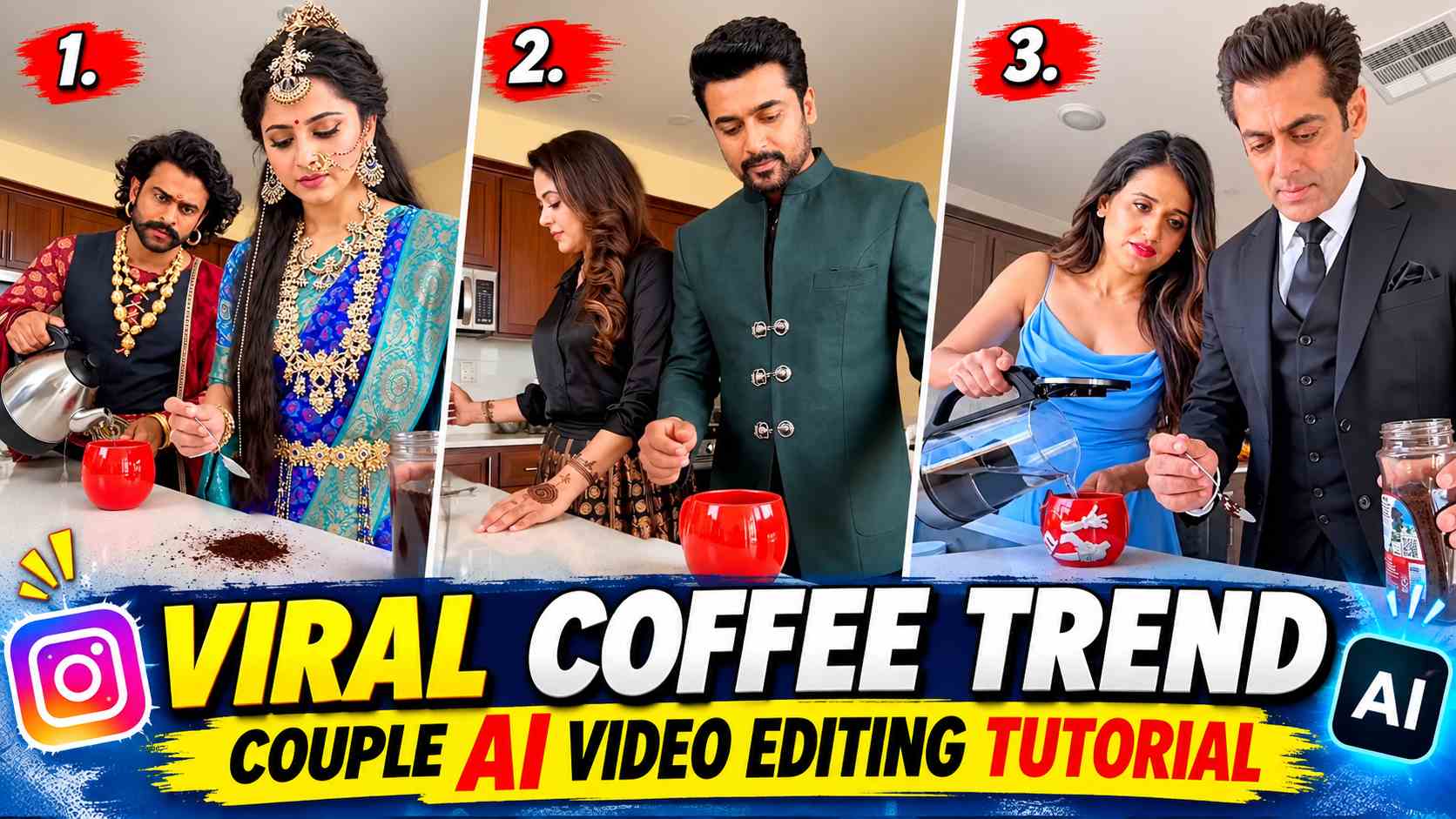
Coffee Trend Couple Ai Video Editing – Coffee Couple Videos are a popular trend on social media these days. These Reels feature two people having coffee in a beautiful cafe setting. Sometimes they sit face-to-face and chat, sometimes they smile at each other and make cute expressions. The beauty of the video lies in its natural movement, the couple’s chemistry, and the cinematic scene. This viral style can now be recreated with the help of AI, using faces of your choice. To do this, you simply need to use an existing Coffee Couple video and replace the two people in it with two of your choice. Using Google Flow AI, you can create a new video like this without setting up a camera or shooting.
Turn Two Separate Photos into an AI Couple Scene
The most interesting part of this editing is that you don’t need to have a photo of the couple together. You can create an AI Couple Scene using two separate photos. For example, if you have separate photos of yourself and your partner, they can be used as input into Google Flow. Reference videos help the AI understand where the two characters are sitting, the movements between them, and the camera angle from which the scene is being shown. Your photos are used as new characters, while the video’s environment and acting are created based on the reference. For best results, choose photos with clear faces, good lighting, and no heavy filters.
Get the AI Prompt and Coffee Video Reference
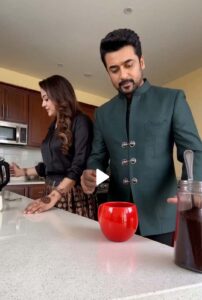
Before creating the video, you’ll need to obtain two essential elements from this article. The first is the Coffee Couple Reference Video, which you’ll need to save to your mobile phone. This video will be used to provide Google Flow with examples of the kind of scene and acting you want to create with your photos. The second is the AI Video Prompt, which will help guide the entire process. The prompt will include instructions to portray the two individuals in the photo as characters from the reference video and adapt their movements to the scene. Copy the prompt from the space below and save the reference video to your device so you can easily use both in the future.
Coffee Couple AI Video Prompt
PROMPT HERE
Set Up Your Images and Video Inside Google Flow
Now you have your reference video, two photos, and the copied prompt ready. First, open Google Flow AI and go to the Generation option to create a new video. Select and upload the Coffee Couple Reference Video saved on your mobile. Next, add a photo of the boy you want to appear in the video to the first image, and a photo of the girl to the second image. When uploading both images, make sure they are in the correct order so the AI can easily identify the two characters. Once the video and both photos are uploaded, check all the inputs. At this stage, you don’t need to create a new scene or separate photos, as the reference video already provides an example of the coffee scene. The next step is to use the provided prompt.
Generate the Video and Check Your Final Result
After adding all the necessary files to Google Flow, paste the AI Video Prompt copied from the website into the prompt box. Following the prompt’s instructions, tell the AI to replace the two uploaded photos with the couple in the reference video. Then, start the video generation and wait until the video is ready. Once the video is created, don’t assume it’s correct just by watching the beginning; instead, play the entire video to ensure the faces of the two characters, their expressions, and the coffee-related actions appear accurate. Sometimes, the AI may make mistakes in hand movements, facial recognition, or the movement between the two people. In such a case, you can clarify the prompt’s instructions and try again. Also, keep in mind that the AI cannot guarantee an exact copy of the reference video or an exact character replacement. Always obtain consent before using another person’s photo.
Wrapping Up
Now you understand how to create an attractive Coffee Couple AI video using two different photos. The most important role in this process is played by the reference video, the correct photo, and the prompt. Using these three steps correctly in Google Flow can result in a new video featuring the two people you’ve chosen as part of a coffee scene. You can also try this method with different Coffee Trend videos and create new AI Couple Scenes to your liking. Once the video is ready, save it as you like and share it on social media as an AI-generated Reel.