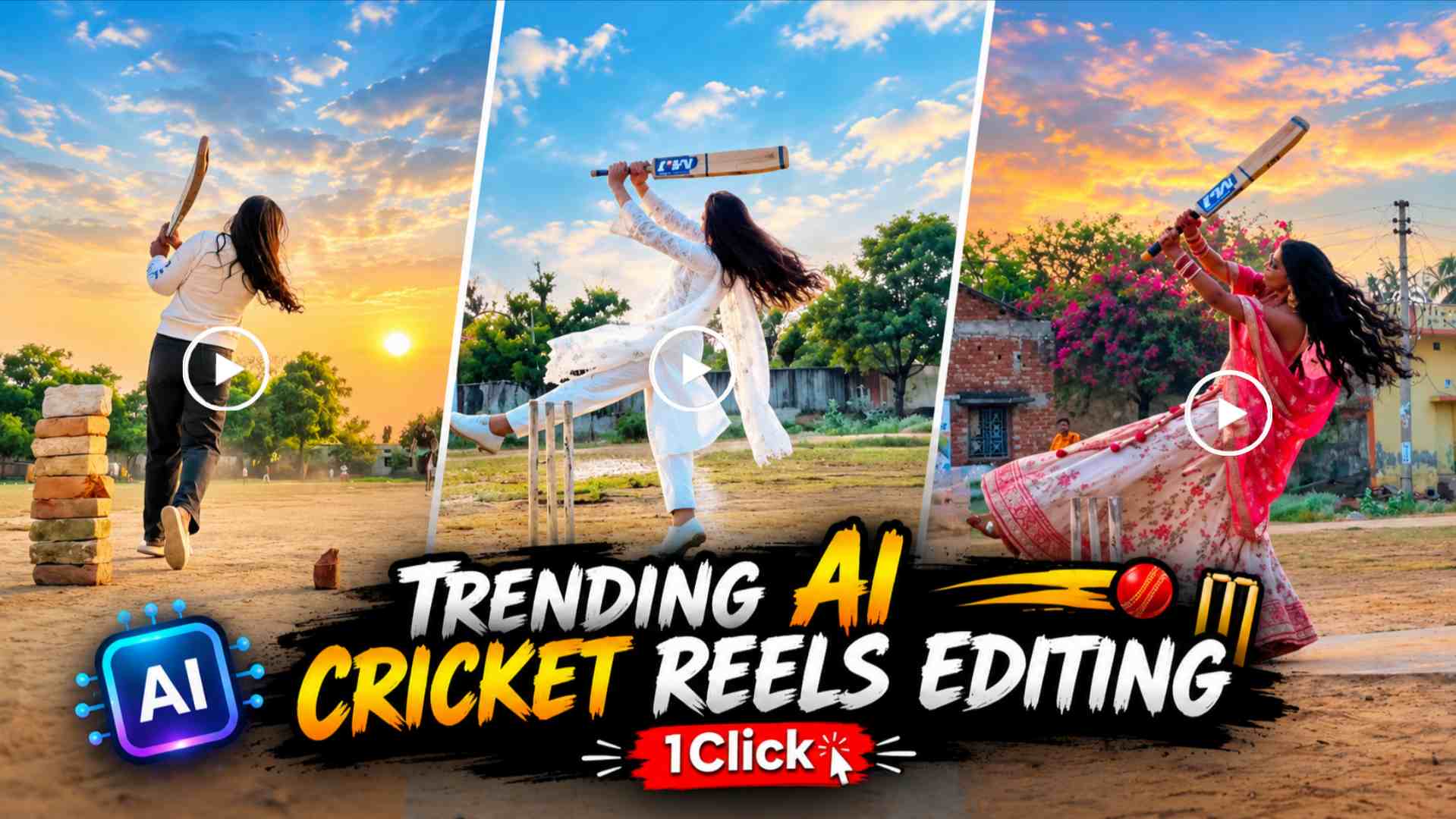
Cricket Shot AI Video Editing Prompt – Cricket Shot AI Video Editing reels are going viral on Instagram these days, featuring people playing stunning cricket shots. The batsman’s stylish shots, batting poses, body movements, and cricketing style are so impressive that the video can look almost like real cricket footage. However, the most important thing about these videos is that you don’t need to record a video of yourself playing cricket. You can use someone else’s cricket video as a reference and use AI to replace the player in the video with a person of your choice. For example, if a cricket video shows a boy playing spectacular shots, you can use Google Flow AI to create an AI video depicting a girl playing cricket.
Similarly, you can use a photo of a boy to replace the player in the video. This method allows you to create videos featuring different cricket shots, batting styles, and poses, offering a new and engaging AI content idea for Instagram Reels and other social media platforms.
How does Google Flow AI Cricket Video Editing work?
Creating such an AI video requires three key components: a reference cricket video, a photo of the person you want to feature in the video, and a suitable video prompt. First, select a cricket video with clear player shots and a suitable camera angle. Next, select a clear photo of the girl or boy you want to replace the original player. Use the reference video and selected photo as inputs according to the video generation workflow available in Google Flow AI. Then, enter the corresponding prompt, instructing the AI to try to capture the identity and appearance of the selected person in the video while maintaining the cricket action and shots from the reference video.
The AI attempts to create a new video based on these inputs. Keep in mind that facial resemblance, hand movement, bat contact, and body posture may not always be perfectly accurate in videos, so you may need to re-generate or modify the finished video as needed.
Cricket Shot AI Video Editing Prompt
If you’d like to create a viral cricket AI video like this, you can use your video prompt in the space below. The purpose of this prompt is to instruct the AI to replace the player seen in the reference cricket video with the person in your chosen photo, so that the cricket shots and action in the video appear in accordance with the reference. You can choose a photo of a boy or girl, depending on your needs. For best results, use a reference video that clearly shows the player and has clear facial details.
Cricket Shot AI Video Editing Prompt

How to create a cricket video in Google Flow AI?
First, open Google Flow and select a new project or an available video generation option. Then, add your reference cricket video and a photo of the person you want to appear in the video. Now, enter your Cricket Shot AI Video Editing Prompt and begin generating the video. The prompt should provide clear instructions regarding preserving the reference video’s shots, player movements, and the identity of the selected person. After generation is complete, carefully review the finished video to ensure the person’s face is visible, the cricket bat’s movement appears natural, and the sequence of shots matches the reference video. If the result isn’t as expected, you can make the necessary adjustments to the prompt and try again. Google Flow’s options and available features may change over time, so follow the instructions displayed in the interface.
How to create a cricket video from a photo of a boy or girl?
The unique feature of this AI video editing tool is that you can create a unique cricket video concept using any adult’s photo, tailored to your needs. For example, if a reference video of a boy shows a stunning cover drive, pull shot, or other batting shots, you can try creating a similar video with a photo of a girl. Similarly, you can use a photo of another boy to replace the player in the reference video. The photo must be clear, and the player’s body and batting action should be clearly visible in the reference video. However, AI cannot always replicate every shot exactly, so variations in faces, clothing, or batting action may sometimes occur. It’s also important to obtain someone’s permission before using their photo or video, especially when publishing the finished video on social media. This way, you can create creative AI videos with different cricket shots and give your content a fresh look.
Wrapping Up
The Cricket Shot AI Video Editing Prompt 2026 is an interesting approach for those who want to create AI videos featuring stylish batting shots without having to record the cricket video themselves. Using a reference cricket video, a photo of a selected player, and the appropriate prompt in Google Flow AI, you can try to create a result that mimics the player’s replacement in the original video. The key to this process is choosing the right reference video, using clear photos, and providing clear instructions in the prompt. Once the video is created, carefully review it and make necessary adjustments to ensure the final result appears more natural. If you’re looking to create unique AI content for Instagram Reels or other social media platforms, this cricket video editing concept could be useful.