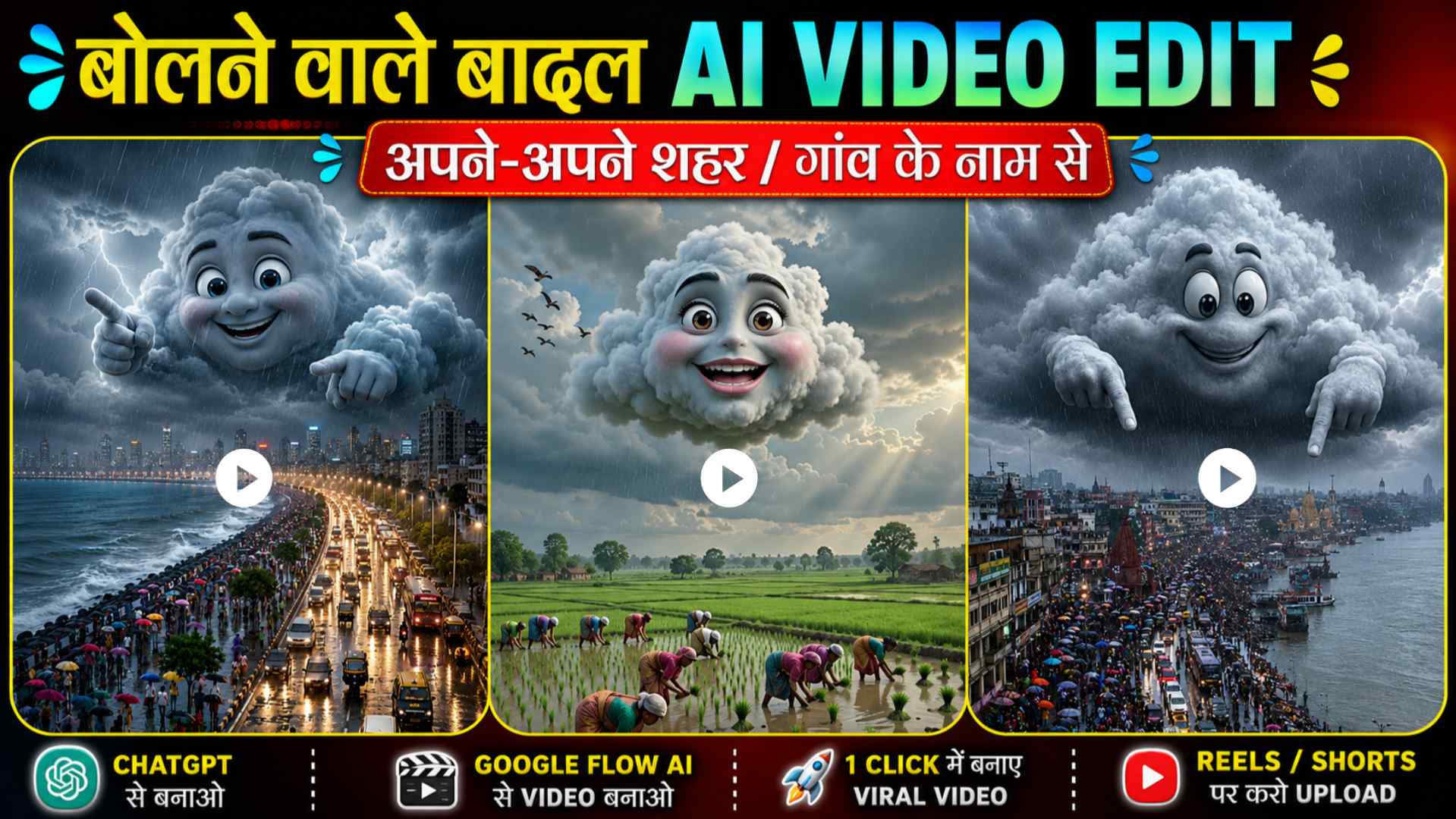
Viral Cloud Talking AI Video – So friends, if you’ve recently watched this type of viral AI talking cloud video on Instagram Reels, YouTube Shorts, or Facebook, then you must have noticed that in these videos, the clouds are shown talking like humans. Sometimes the clouds speak funny dialogues, while other times they talk about a city, a village, or the weather. This style looks very unique and people are loving it. That’s why these kinds of videos are getting millions of views across social media. If you also want to create a viral AI talking cloud video like this, then this article is going to be very useful for you. In this guide, we’ll show you the easiest way to first create an AI cloud image using ChatGPT and then turn that image into an amazing talking video using Google Flow AI. Along with that, you’ll also get the image prompt, video prompt, and the complete step-by-step process, so you can create your own viral AI talking cloud video in just a few minutes.
Cloud Talking AI Video Editing
If you have recently heard about “AI Cloud Talking” videos for the first time, then this article will prove to be incredibly useful for you. I will explain the details of this trending AI video editing style in simple language. I will also discuss why these videos are going viral so rapidly on social media and why people love them so much. In this article, I will guide you through every step—from start to finish—on how to create a stunning “Cloud AI” image using ChatGPT and then transform that image into a talking video using Google Flow AI. I will explain all of this in detail. Additionally, I will walk you through image prompts, video prompts, and other essential steps that will enable you to create your own viral AI Cloud Talking video in just a few minutes. So, make sure to read this article thoroughly so you don’t miss any crucial steps and can successfully create these videos yourself.
Why Is Cloud Talking AI Video Going Viral?
The main reason this trend is going viral so rapidly on platforms like Instagram Reels, YouTube Shorts, and Facebook is that we are using AI to make ordinary clouds speak and display human-like expressions. These clouds deliver entertaining dialogues or comment on the weather and people, making the videos incredibly engaging, unique, and fun to watch. That is why people are watching them repeatedly and sharing them widely on social media. Previously, creating such videos used to take hours of effort, but now, tools like ChatGPT and Google’s AI models have made the process incredibly simple. You just need to provide the right image and a good prompt, and within minutes, you can create a fantastic “talking cloud” video. If you want to be part of this viral trend and create your own videos, simply follow the steps outlined in this article carefully. After that, you’ll be able to create your very own AI-generated talking cloud videos.
AI Cloud Talking Image Prompt


Customize Cloud Talking AI Image Prompt
If you want your AI “cloud-talking” image to stand out and look attractive, simply customize the prompt to your liking. For instance, you can modify elements such as the cloud’s shape, facial expressions, weather, sky color, background lighting, or the theme of the dialogue. By doing this, ChatGPT will generate a fresh, unique “cloud-talking” image for you each time. If the initial result doesn’t quite match your vision, don’t be discouraged; you can tweak the prompt slightly to generate a different image. You can even upload the generated image as a reference and ask ChatGPT to create another one in that exact same style. This approach can help you achieve high-quality, professional-looking results.
Create Cloud Talking AI Video Using Google Flow AI
Once your AI “talking” image is ready, the next step is to convert it into a video. To do this, search for “Google Vids” (or the specific tool/platform being referred to) in any browser and open its official website. Next, click on the “Create” option and make sure to log in using your Google account. Then, start a new project, select “Video Mode,” and choose the 9:16 aspect ratio for the best results—this ensures the video is perfect for Instagram Reels and YouTube Shorts. Now, upload the talking image you created. After the image uploads, copy the video prompt provided below and paste it into the chatbox. If you want the character to speak about a specific topic, the weather, or a particular city, you can customize the prompt to your liking. Once you send the prompt, the tool will transform your image into an impressive talking video. After the video is ready, you can preview it, save it to your device, and easily share it on Instagram Reels, YouTube Shorts, or Facebook.
Video Prompt
Edit Cloud Talking AI Video Prompt
If you want to make your AI-generated talking video even more unique, you can customize the prompt to your liking—adjusting elements such as the voice, speaking style, language, weather, background, camera angles, or dialogue—and the AI will create a distinct and impressive video for you. If the initial result doesn’t quite meet your expectations, simply tweak the prompt slightly and generate it again. You can also use an existing AI talking video as a reference to craft a new prompt in that same style. If you encounter any difficulties while editing the prompt, you can paste it into ChatGPT and specify your requirements; ChatGPT will then generate a new, optimized prompt for you.
Conclusion
Hopefully, this article has provided you with all the information needed to create viral “cloud-talking” AI videos. You can now generate a fantastic “cloud-talking” image using ChatGPT and then transform it into a professional-looking talking video using Google’s Flow AI—a result that is sure to impress you. By correctly using the image and video prompts provided in this article, you can create these viral videos in just a few minutes and easily share them on social media platforms like Instagram Reels, YouTube Shorts, and Facebook. If you enjoyed this video editing method, please share this article with your friends so they can also easily create these “cloud-talking” videos. Keep visiting “Vishu Editz” regularly for more AI prompts, Flow AI tutorials, ChatGPT tricks, and the latest AI editing techniques. Have a great day—thank you!