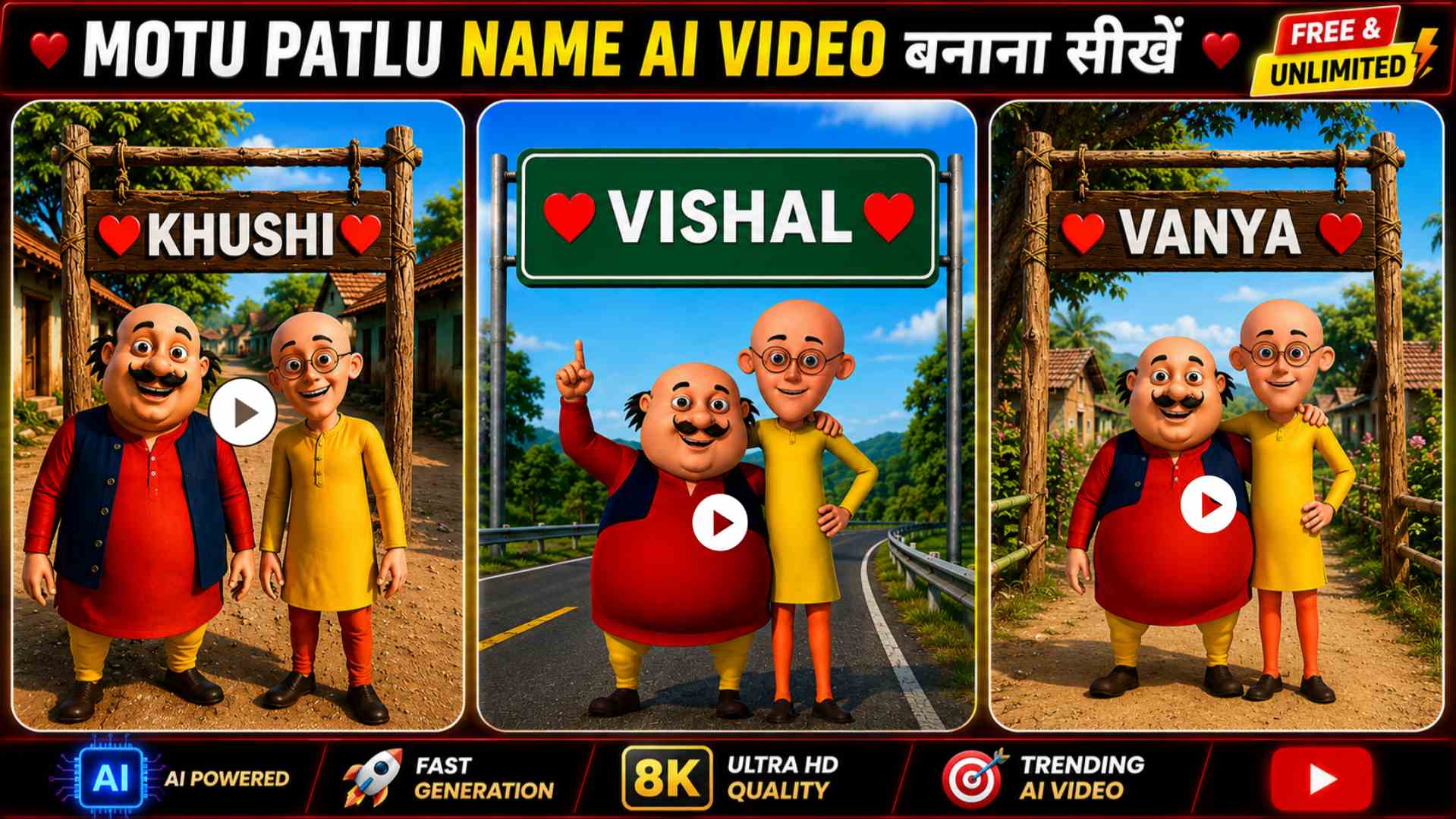
Motu Patlu Name AI Video Editing Prompt – If you saw our previous post featuring the Motu Patlu AI video editing prompt, you might recall how we explained how to create a viral AI video featuring Motu and Patlu standing in front of a large signboard, sharing fun facts about your city or village. That trend went viral on social media, with countless people creating videos in that style. However, a new trend is now taking over Instagram Reels, YouTube Shorts, and Facebook. This time, instead of displaying the name of a city or village, people are having their own names featured on the signboard. What’s more, Motu and Patlu even make amusing comments and offer praise regarding the name, creating the impression that they are speaking directly to the person—which is exactly why this video trend has become so popular. If you also want to create a viral Motu Patlu video featuring your name, this article will prove incredibly useful, as we will share the easiest method for you to generate a fantastic Motu Patlu AI video using ChatGPT and Google.
Information About Motu Patlu Name AI Video Editing
These days, “Motu Patlu” AI-style videos are going viral rapidly on social media. While people initially created these videos featuring the names of their cities or villages, a new trend has emerged where they use their own names instead. In these videos, Motu and Patlu mention your name, share amusing anecdotes, praise you, and make people laugh. This is why these videos are so popular; they are spreading quickly across Instagram Reels, YouTube Shorts, and Facebook. If you want to create a fantastic Motu Patlu video featuring your name, you first need to prepare an image that includes your name. You can then convert that image into a video. In this article, we have provided the necessary AI photo and video prompts; simply enter your name into the prompt, and the AI will handle the rest, allowing you to create a unique, impressive, and professional-looking Motu Patlu video.
Create Your Name Motu Patlu AI Photo
If you want to create a “Motu Patlu” AI video featuring your name, the first step is to generate an image of Motu Patlu that includes your name. You will use this image in the subsequent step to create the video. In this article, we have provided an excellent AI image prompt that allows you to create an amazing, professional-looking Motu Patlu AI image with your name in just a few minutes. You will see the prompt listed below the reference image. First, copy that prompt. Next, open ChatGPT, select the image creation option, and upload the reference Motu Patlu image. Then, copy the specific Motu Patlu prompt provided in the article and paste it into the chat box (ensure your name is included in the prompt). Finally, click the send button; within moments, ChatGPT will generate a fantastic Motu Patlu AI image featuring your name. Once the image is ready, download it using the download button, as we will use this very image in the next step to learn how to create a viral Motu Patlu AI video.
Motu Patlu Ai Image Prompt


Make Motu Patlu Name AI Video With Google Flow AI
Motu Patlu Ai Video Prompt
Conclusion
So, in this article, you learned how to create AI-generated images and videos featuring the characters Motu and Patlu along with your name. We have shared the specific prompts for both the images and videos, enabling you to create amazing content personalized with your name in just a few minutes. Simply replace the placeholder name in the prompt with your own, follow the instructions carefully, and create videos just the way you like. If you enjoyed this article, please share it with your friends and keep visiting our website, “Vishu Editz,” for more AI photo editing tutorials. Have a great day—thank you!