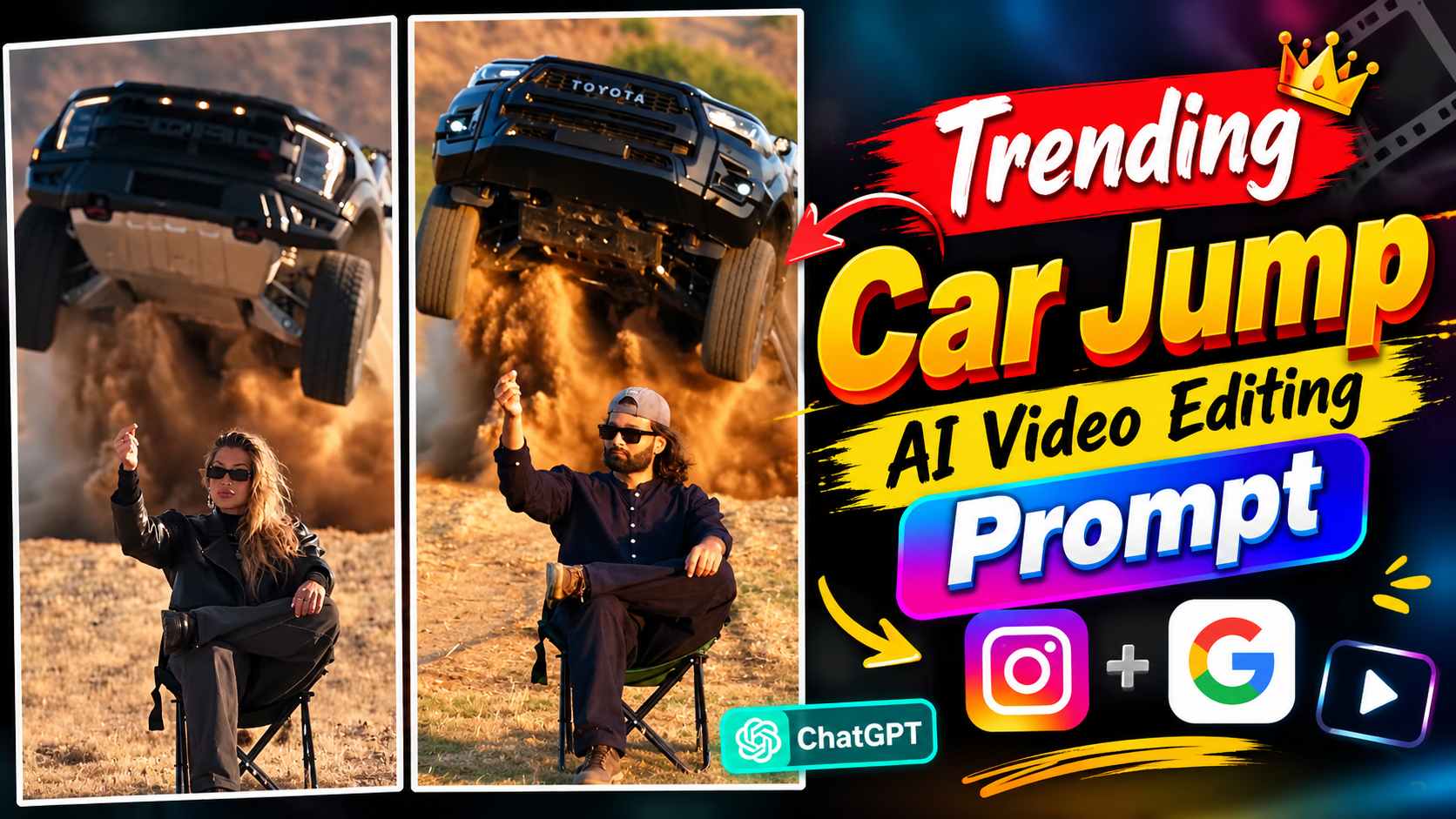
Car Jump Ai Video Prompt – These days, Car Jump Videos created with the help of AI are gaining a lot of attention on social media. In such videos, a normal photo is transformed with the help of AI into a cinematic action scene in which a car is seen jumping and the entire visual looks quite dynamic and attitude-filled. The special thing is that to create such a video, you do not need to sit in any complicated editing app and apply different effects or transitions. Such a complete scene can be created with the help of a suitable reference photo and the right AI prompt. After the Car Driving AI Video Trend, now Car Jump Videos are also becoming a new trend among creators, due to which people are trying to create such unique AI videos with their photos. If you too want to create Trending Car Jump AI Video Editing, then in this article you will get complete information from the beginning till the preparation of the final video. In this, we will tell you what kind of photo should be used for this, which AI tool can be used, how to use the prompt and how to transform your photo into a realistic cinematic Car Jump Video.
Complete Information About Car Jump AI Video
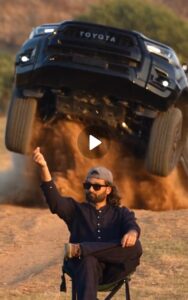
If you watch this Car Jump video carefully, you’ll see a very interesting AI-generated scene. The video begins in an open mountainous area, where hills and open fields are visible in the distance. In this same location, a boy is seen sitting on a chair in a stylish and attitude-filled pose, with one leg placed over the other. However, this type of video isn’t just for boys; girls can also create videos using this concept using their own photos. The opening shot of the character appears to be taken from a low angle, giving the entire scene a cinematic and powerful feel. The character then makes a small pinch gesture, and at that very moment, a stunning car suddenly appears from behind him, jumping out. This car’s entry is the most striking part of the entire video, as it is accompanied by a large amount of dust being seen flying from the ground, making the scene look like a shot from an action movie. After the car enters the frame, its entire movement is shown in slow motion, which makes the jump and the car coming down look quite dramatic. Due to this cinematic car entry, flying dust, attitude pose and slow-motion effect, this Car Jump AI video is attracting a lot of people. Apart from this, the suitable background music used with the video also matches the mood of the entire scene, due to which the final video looks more engaging and cinematic.
What Do We Need To Make A Car Jump AI Video?
To create such a Car Jump AI video, you’ll need to have a few essential elements ready so the AI can accurately understand your identity and create a scene similar to the reference video. The first and most important requirement is a clear photo of yourself, with your face clearly and in good quality. The clearer the photo, the easier it will be for the AI to recognize your face and maintain it naturally in the video. The second requirement is a suitable reference video, which will be provided to the AI as an example. This reference video will help the AI understand how the character’s pose, car jump, entry, movement, and the entire scene should appear. The third and most important requirement is a suitable AI video prompt, as simply uploading a photo and reference video won’t fully understand the final result you want. The prompt provides clear instructions to the AI on how to use your photo and recreate the scene from the reference video. In this article, we have provided you with reference video and required prompt, whereas from your side you will only have to keep a good quality photo ready. While taking photo, take special care that the face should be clearly visible towards the camera, the image should not be blurry and there should not be too much shadow or filter on the face. For better face matching, it will be more useful to take such a photo from the front camera in which the entire focus is on your face and facial features are clearly visible. After keeping these essential things ready in the right manner, making Car Jump AI Video becomes quite easy.
Car Jump Sample Video Here
How to Create a Car Jump Video with AI
Once you have your photo, reference video, and the correct prompt ready, the video creation process becomes much easier. To create such an AI video, you can use two of Google’s AI tools—Google Gemini and Google Flow. If the video creation feature is available in Gemini, you can create such a video from there. However, this option is not necessarily available to all users and its availability may depend on your account and current access. Another option is Google Flow, which allows you to create an AI video using reference material and a prompt. Therefore, the process can be followed depending on which of these two tools you have available. Later in this article, we’ll explain how to use the photo and reference video in the AI tool and how to create a car jump scene with your face using the prompt.
Car Jump Ai Video Prompt
Final Word
If you’re interested in creating trending AI videos like Car Jump or Car Entry using your own photos on social media, this entire article will be useful. We’ve explained the entire process from inception to video creation in a simple way, including creating a reference video, using your clear photo, and using the appropriate prompt to have the AI generate the entire scene. We’ve also explained how to use all of this in Google Flow to create the final Car Jump AI video. Once the video is generated, a suitable song, basic editing, and final presentation are crucial for creating a perfect Reel. So, if you want to try this trend yourself, carefully follow all the steps in the article and create your own Car Jump AI video using the provided prompt.