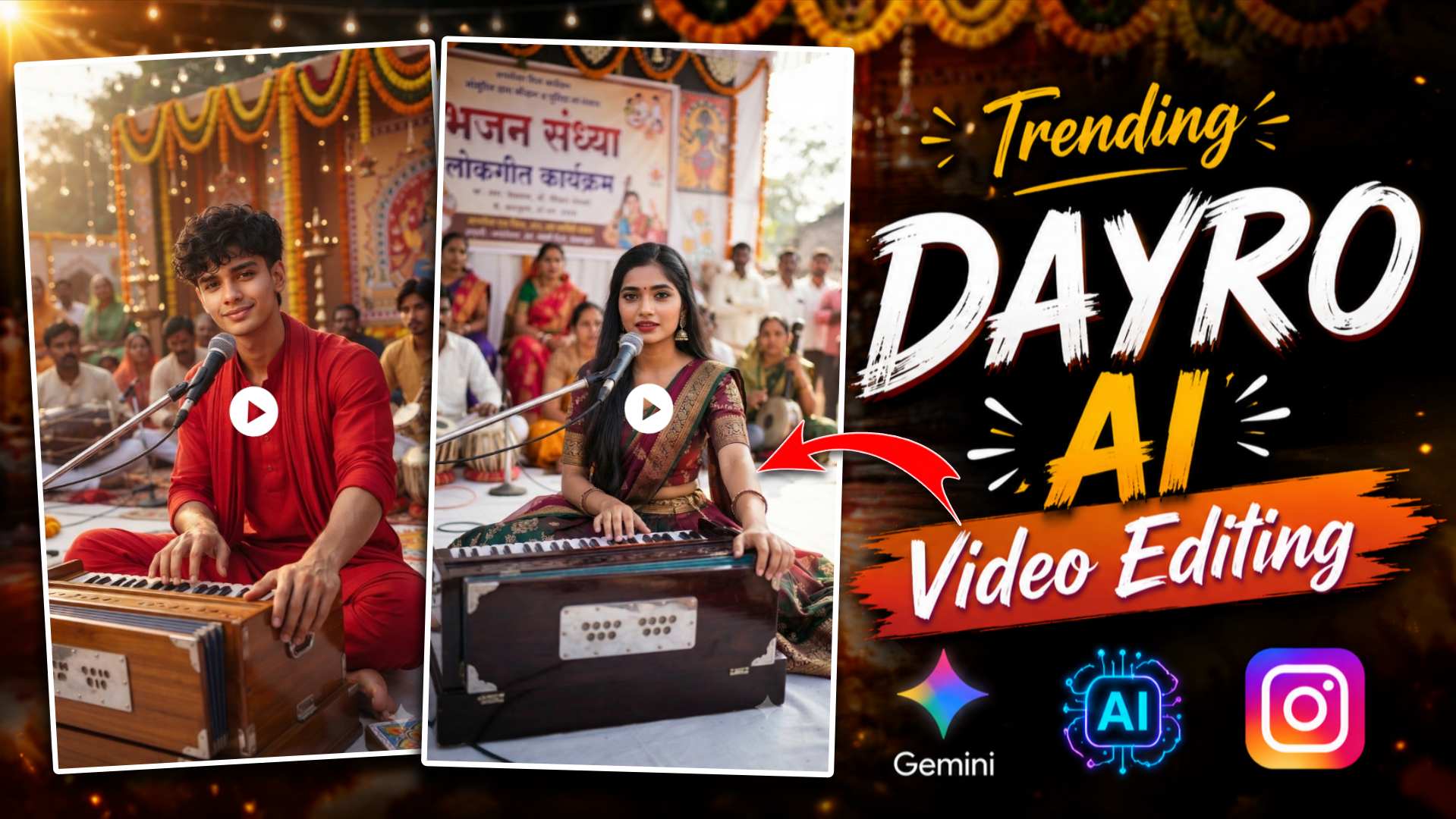
Gujarati Dayro AI Video Prompts – So friends, if you use or watch Instagram Reels, YouTube Shorts, or Facebook Reels, you have likely come across the recent trend of “Gujarati Dayro” AI videos. These videos are currently going viral on social media; in them, people transform ordinary photos of themselves into stunning Gujarati Dayro singers using AI. The videos feature traditional Gujarati attire, live stage setups, microphones, audiences, and impressive cinematic animation—all of which look truly spectacular. This visual appeal is why the style is spreading so rapidly across social media and gaining such widespread popularity. Previously, creating such videos required extensive editing and hard work, but thanks to AI tools, the process has become incredibly easy. All you need is a high-quality photo of yourself, the right AI prompt, and a video creation app. In just a few minutes, your ordinary photo can be transformed into an amazing Gujarati Dayro AI video. In this article, I will share some excellent AI prompts for editing these videos. I will also provide a step-by-step guide on how to prepare your photo using the Gemini app and then create a stunning Gujarati Dayro AI video using a video creation app. If you want to create viral videos like these, be sure to read this article to the very end.
Complete Guide to Gujarati Dayro AI Video Editing
If this is the first time you have seen this type of Gujarati ‘Dayro’ AI video, you might think that creating such content is extremely difficult and requires immense effort. However, the truth is that in today’s world, AI has made this process significantly easier than before. All you need is a high-quality photo, the right prompt, and two AI tools. First, you generate the Gujarati-themed image using the Gemini app. Then, by uploading that image to an AI video creation app, you can produce a stunning AI video in just a few minutes. These days, such Gujarati videos are going viral on Instagram Reels, Facebook, and YouTube Shorts. Elements like the stage performance, traditional Gujarati attire, the microphone, the audience, and natural camera movements make the video incredibly engaging and remarkably realistic. That is precisely why people love this trend so much and want to create these kinds of videos themselves.
In this article, we will share excellent AI photo and video prompts for “Gujarati Dayro” that you can use to easily create AI videos of your choice. We will also provide a step-by-step guide on how to generate images using the Gemini app and how to transform them into stunning videos using AI video creation apps.
How To Create Gujarati Dayro AI Photo Using Gemini?
If you want to create a “Gujarati Dayro” style AI video, the first step is to generate an AI photo, as AI videos cannot be created directly from scratch; you must first create an image and then transform it into a video. So, start by using the Gemini app to create a Gujarati-themed photo. To do this, open the Gemini app and log in with your Gmail account. Next, copy the Gujarati prompt provided in this article. After copying the prompt, take a clear, high-quality selfie—ensure your face is clearly visible in the photo. Then, paste the copied prompt into Gemini and generate the image; within seconds, Gemini will transform your ordinary photo into a stunning “Gujarati Dayro” style AI image. Once the photo is ready, click the download button to save it. In the next step, we will use this photo within the “Create AI” application to show you how to make an amazing “Gujarati Dayro” video.
Gujarati Dayro Ai Photo Prompts

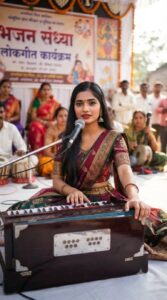
Create Gujarati Dayro AI Photo To Video Using Create AI Video
Once your ‘Gujarati Dayro’ photo is ready, the next step is to transform it into a stunning AI video. For this, we will use the ‘Create AI Video’ app. First, copy the video prompt provided in this article. Next, open the app and upload the image you created using Gemini. Then, paste the video prompt and click the ‘Generate’ button; within a few minutes, your simple AI photo will be converted into an impressive ‘Gujarati Dayro’ video. This video will feature natural facial expressions, smooth camera movements, and cinematic effects, giving it a highly professional and realistic look. In this way, you can easily create this type of viral Gujarati video without any advanced editing or excessive effort.
Video Prompt
First, open the AI video creation app on your mobile and log in using your Google account. Next, click on the option to create a video. Then, upload the photo you generated using Gemini. Copy the prompt provided below and paste it into the designated prompt box. After that, click the ‘Generate’ button and wait a short while; your ‘Gujarati Dayro’ AI video will then be ready. Once the video is created, you can easily save it to your mobile by clicking the download button and share it on Instagram Reels, YouTube Shorts, or Facebook.
Conclusion
If you also want to create the viral Gujarati ‘Dayro’ AI videos seen on social media, the prompts provided in this article will be very helpful. In this post, we have explained the entire process in simple language—from generating the image using the Gemini app to transforming it into a stunning AI video using an AI video creation app. We hope you find this article useful. If you like it, please share it with your friends so they can create similar videos too, and keep visiting ‘Vishu Editz’ for new AI photo editing prompts every day. Have a great day; thank you.