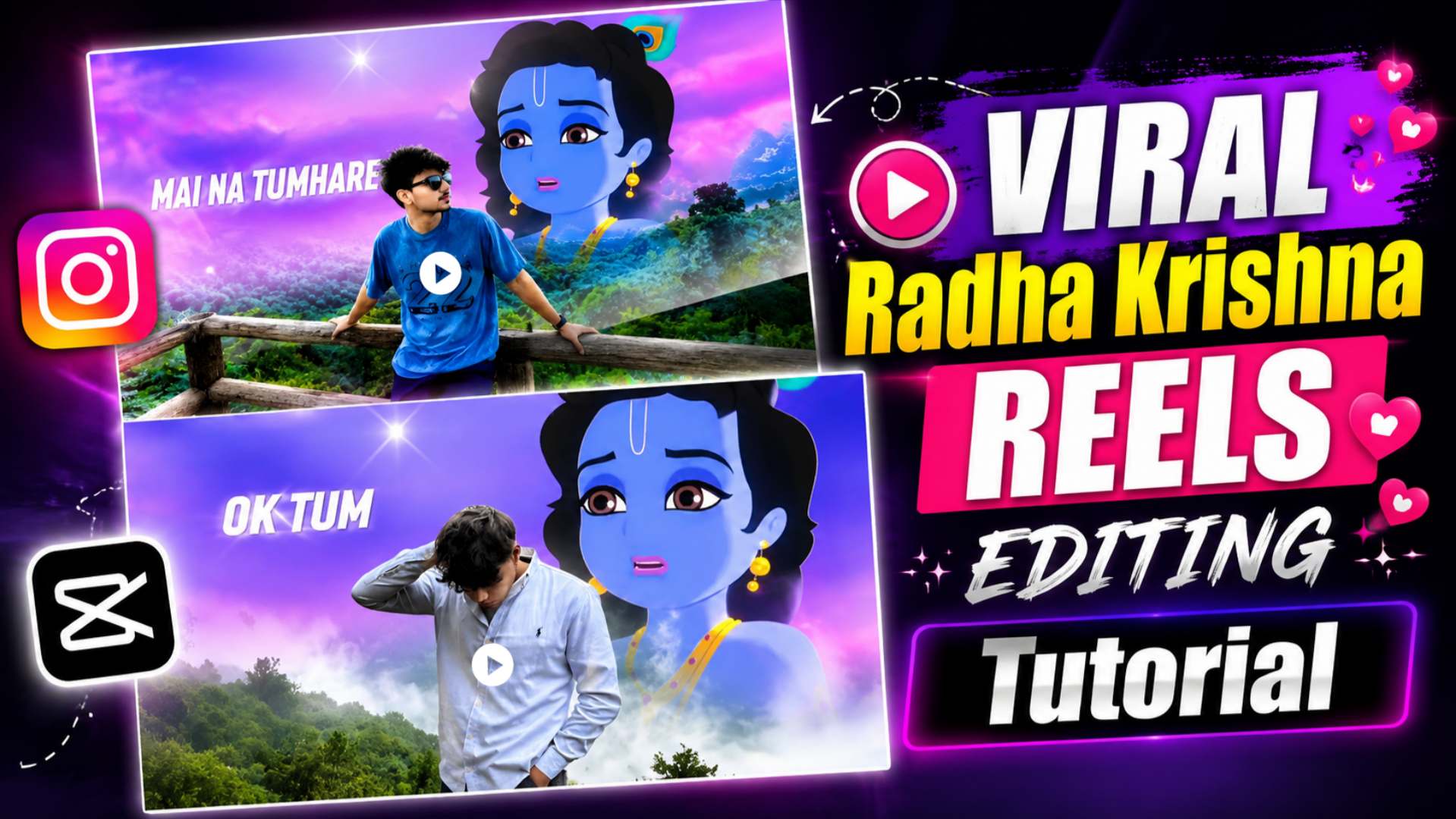
Radha Krishna Viral CapCut Video Editing – If you have recently come across viral Radha Krishna videos on Instagram Reels or YouTube Shorts, you have likely noticed how quickly they garner millions of views and likes. The standout features of these videos are their cinematic look, smooth transitions, and the captivating visual effects in the opening seconds that instantly grab the viewer’s attention. This is precisely why this style of Radha Krishna video editing is currently trending rapidly on social media. Many people assume that creating such videos requires premium editing apps or templates, but that is not the case at all. In this article, we will guide you through the entire editing process step-by-step using the CapCut app. Instead of relying on templates, you will learn how to edit the video professionally yourself. We will explain the use of overlay videos, effects, transitions, and all essential editing steps in simple language, ensuring that even a beginner can complete the process without any difficulty. If you want to create a similar viral Radha Krishna Reel using your own photos or videos, be sure to read this article to the end. We have detailed all the necessary materials and the complete editing process below. By following each step correctly, you will be able to create a stunning, viral-style Radha Krishna video in just a few minutes.
Why Is Radha Krishna CapCut Video Editing Going Viral?
Lately, Radha-Krishna CapCut videos have been going viral rapidly on social media. Every day, millions of people on Instagram Reels and YouTube Shorts enjoy watching and sharing these devotional videos. The primary reasons for their popularity are their cinematic look, smooth transitions, and emotional appeal. When a video begins with stunning visuals and great music, viewers tend to watch it all the way through; this is why such Reels achieve high reach and engagement in a short time. Previously, creating such professional-quality edits required multiple apps and hours of hard work, but CapCut has made the process incredibly easy. By using the right overlay videos, effects, and transitions, anyone can transform an ordinary photo or video into a stunning Radha-Krishna Reel in just a few minutes. That is why everyone—from seasoned creators to beginners—wants to learn this editing style. If you also wish to create a viral Radha-Krishna video like this, carefully follow the steps outlined in this article. Below, we have explained the necessary materials and the complete CapCut editing process in simple language, enabling you to create a professional and attractive Reel right from your mobile phone without any hassle.
Before You Start Editing
Friends, before you start creating this Radha Krishna video edit in CapCut, there is one important step you need to take. First, save the overlay video used in this edit to your device. The entire editing process relies on this video, so without saving it, you won’t be able to follow the steps correctly. We have provided the specific overlay video used in this edit below; please save it to your phone first. After that, follow the editing steps listed below one by one. If you execute each step carefully, you will easily be able to create a professional and viral Radha Krishna video just like this one.
Radha Krishna Overlay Save

How To Edit Radha Krishna Video in CapCut
By now, you should have saved the overlay video to your device. Now, it is time to begin the actual editing process. First, open the CapCut app on your mobile, click on “New Project,” and import your main photo or video. Next, go to the timeline and add the overlay video using the “Overlay” option. Apply effects, animations, and transitions in the exact sequence used in this edit. Carefully configure any keyframes, masks, or blend modes where required. Do not skip any steps in haste, as even a minor error can alter the entire look of the edit. Once the editing is complete, watch the video from start to finish to ensure all effects and overlays appear correctly. If everything looks right, click the “Export” button and save the video in the highest quality. Your Radha Krishna viral reel will then be ready to share easily on Instagram Reels, Facebook, or YouTube Shorts.
Conclusion
I am confident that with the help of this article, you have easily learned how to create the viral Radha Krishna CapCut video. If you have followed all the steps mentioned above correctly, you will have a stunning, professional Radha Krishna Reel ready in just a few minutes. The best part is that you don’t need any advanced editing experience to create this; you simply need the right materials and to follow the editing steps properly. If you enjoyed this tutorial, please share it with your friends so they can also easily create such viral videos. Keep visiting our website, “Vishu Editz,” regularly for more CapCut video editing tutorials, viral Reel editing guides, AI photo editing prompts, and trending editing resources. Have a wonderful day—thank you!