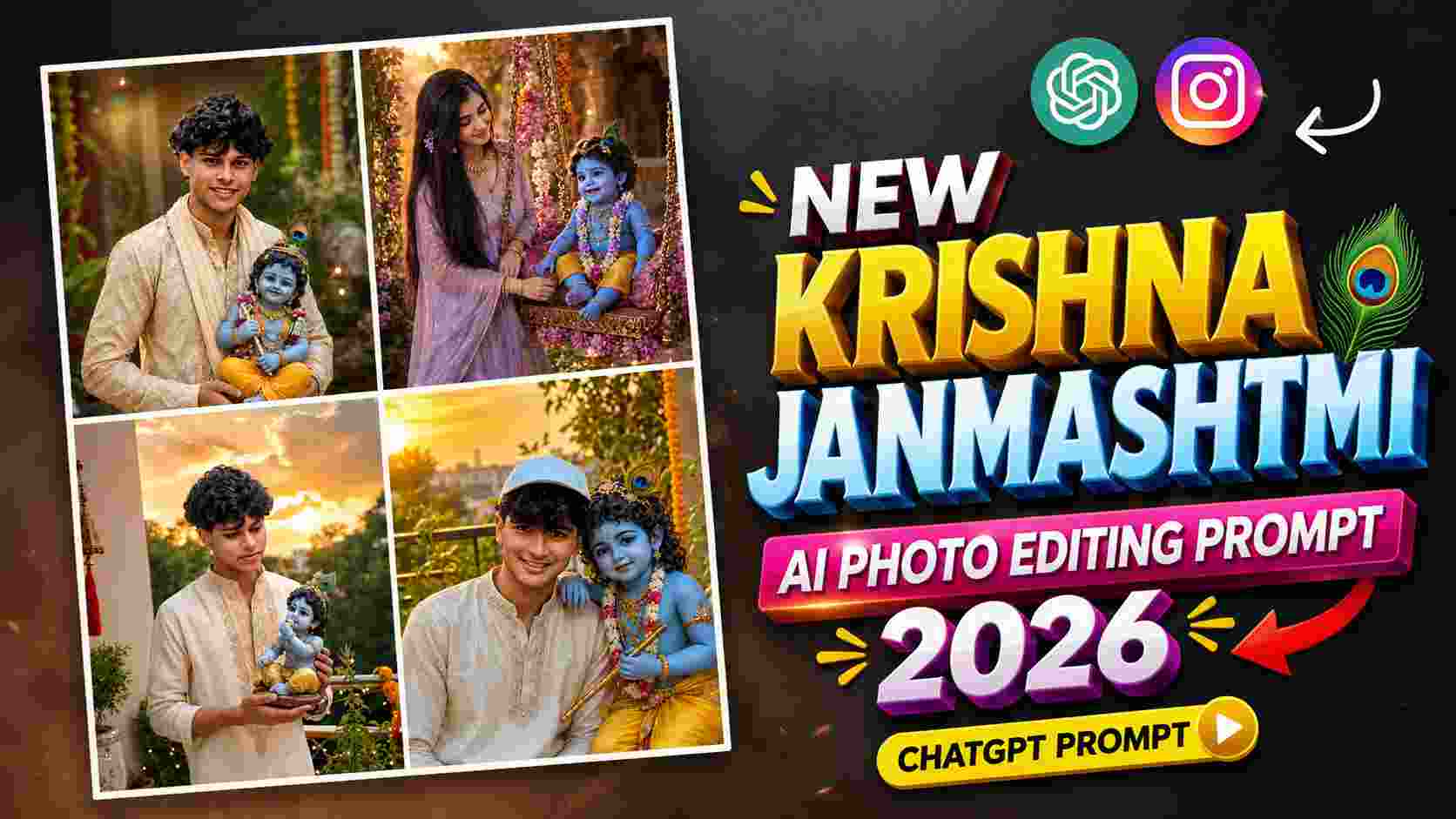
Janmashtami Ai Prompt – These days, the trend of Krishna Janmashtami AI Photo Editing is gaining popularity, especially at a time when people want to give their festival photos a unique devotional and cinematic look, different from the usual ones. On the occasion of Janmashtami, you can give your photos a new look with beautiful backgrounds, traditional outfits, flutes, festive decorations, temple ambiance, soft lighting, and Krishna-themed elements related to Lord Krishna. This kind of AI photo editing doesn’t require hours of effort in professional photo editing software. By uploading your photo to ChatGPT and using the right AI Photo Editing Prompt, your normal photo can be transformed into a variety of creative styles according to the Janmashtami theme. The special thing is that a good prompt can describe the lighting, background, outfit, pose, festive environment, and other visual details of the photo in advance, so that the AI can try to create a similar result.
In this article, we will provide complete information related to the Krishna Janmashtami AI Photo Editing Prompt 2026. Here you will be told what is this type of photo editing, how to use photo with prompts in ChatGPT and what kind of prompts can be used to create different Krishna Janmashtami looks. Along with this, we have included a total of 5 different AI Photo Editing Prompts, with the help of which you can try different festive and creative looks with one of your photos. If you also want to edit your photo in a unique, attractive and devotional style for Janmashtami and share it on Instagram, Facebook or WhatsApp, then the prompts given below can be very useful for you.
About Krishna Janmashtami AI Photo Editing
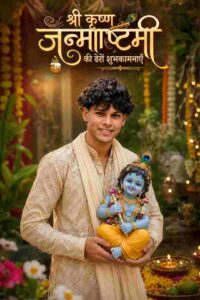
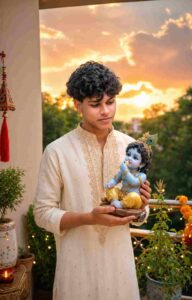
Krishna Janmashtami AI Photo Editing refers to AI-based photo editing that gives your normal photo a new visual look based on the theme of Janmashtami and Lord Krishna. Using your original photo as a base, the background, clothing, lighting, decorations, and other creative elements can be changed according to the prompt. This type of editing can show your photo in a festive environment, such as Krishna-themed decorations, a temple atmosphere, floral arrangements, warm lights, Janmashtami celebrations, and traditional elements. The outfit can also be changed to a traditional or festive style as needed. Consequently, a single photo can be created in many different styles using different prompts.
The best part of this editing is that you don’t need to make every change manually. All you need is a good-quality photo and the right prompt. The more clear details are provided in the prompt, the easier it is for the AI to understand the desired result. However, the final result may vary depending on your original photo, prompt and AI generation. Therefore, if required, the result can be regenerated by changing some details in the prompt. For better results, use a photo in which your face is clearly visible, the image is not too blurry and the lighting is good. If you have to change the outfit or background in the prompt, then it is also helpful to have good visibility of the subject in the photo. This makes it easier for the AI to understand the important details of your photo. The five prompts given in this article have been created for different Janmashtami-inspired looks. You can generate a photo using any prompt as per your choice and if you want, you can also customize some details of the prompt like the color of the clothes, background, decoration or lighting as per your need.
AI PHOTO EDITING PROMPT
How to Make Janmashtami AI Photo
Creating a Krishna Janmashtami AI Photo using ChatGPT is quite easy. First, open ChatGPT on your phone and prepare a photo you want to edit with the Janmashtami theme. Make sure the photo is clear and of good quality so the AI can easily recognize your face and other important details. Now, upload your photo to ChatGPT. Once the photo is uploaded, copy the prompt of your choice from the Krishna Janmashtami AI Photo Editing Prompt below and paste it into the chat. The AI will try to transform your uploaded photo into the Janmashtami theme according to the look described in the prompt.
After sending the prompt, wait for the image to generate. Examine the result carefully. If any detail in the photo doesn’t match your preference, you can tell ChatGPT what to change with the same image, such as the background, clothing color, lighting, or any festive element. This way, the result can be customized to your requirements. One important thing is that if you want the face and overall appearance of your photo to be more natural, it can be useful to include instructions in the prompt like preserving the original facial identity, facial features, skin tone and hairstyle. This helps the AI understand that the identity of the main person should not be changed unnecessarily. This way you will not have to do everything manually in different editing apps. Choose any of the five prompts given below and use it with your photo and create your favorite AI-generated festive photo for Janmashtami.
Janmashtami AI Photo Prompt
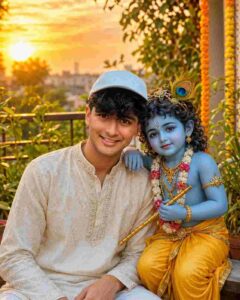
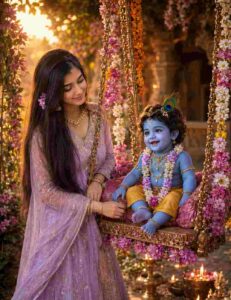
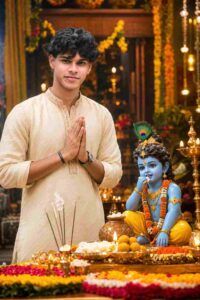
How to Customize Janmashtami AI Photo Prompts
If you want to make changes to the Krishna Janmashtami AI Photo Editing Prompts as per your choice, you can do so easily. The color of the clothes, background, lighting, decoration, pose, camera angle and other details in the prompt can be changed as per your requirement. If the generated photo does not come out as per your expectations, then there is no need to change the entire prompt. You can simply edit the details that need change and generate the image again. For better results, use a clear photo of good quality and give clear instructions as per your requirement in the prompt. In this way, different Krishna Janmashtami AI Photos can be created from a single prompt.
Final Thoughts
I hope the Krishna Janmashtami AI Photo Editing Prompts 2026 provided in this article will prove useful. Using these prompts, you can transform your normal photo into different Krishna Janmashtami themes and festive styles. Simply upload a high-quality photo to ChatGPT and use the prompt of your choice. If the initial result isn’t what you expected, you can regenerate the image by changing some details in the prompt to your liking. This way, you can try different styles and create the perfect Janmashtami photo for yourself. Once you have your favorite photo, share it with your friends and followers on Instagram, Facebook, WhatsApp, or other social media platforms. I hope these five prompts will help you create something new and creative this Janmashtami.