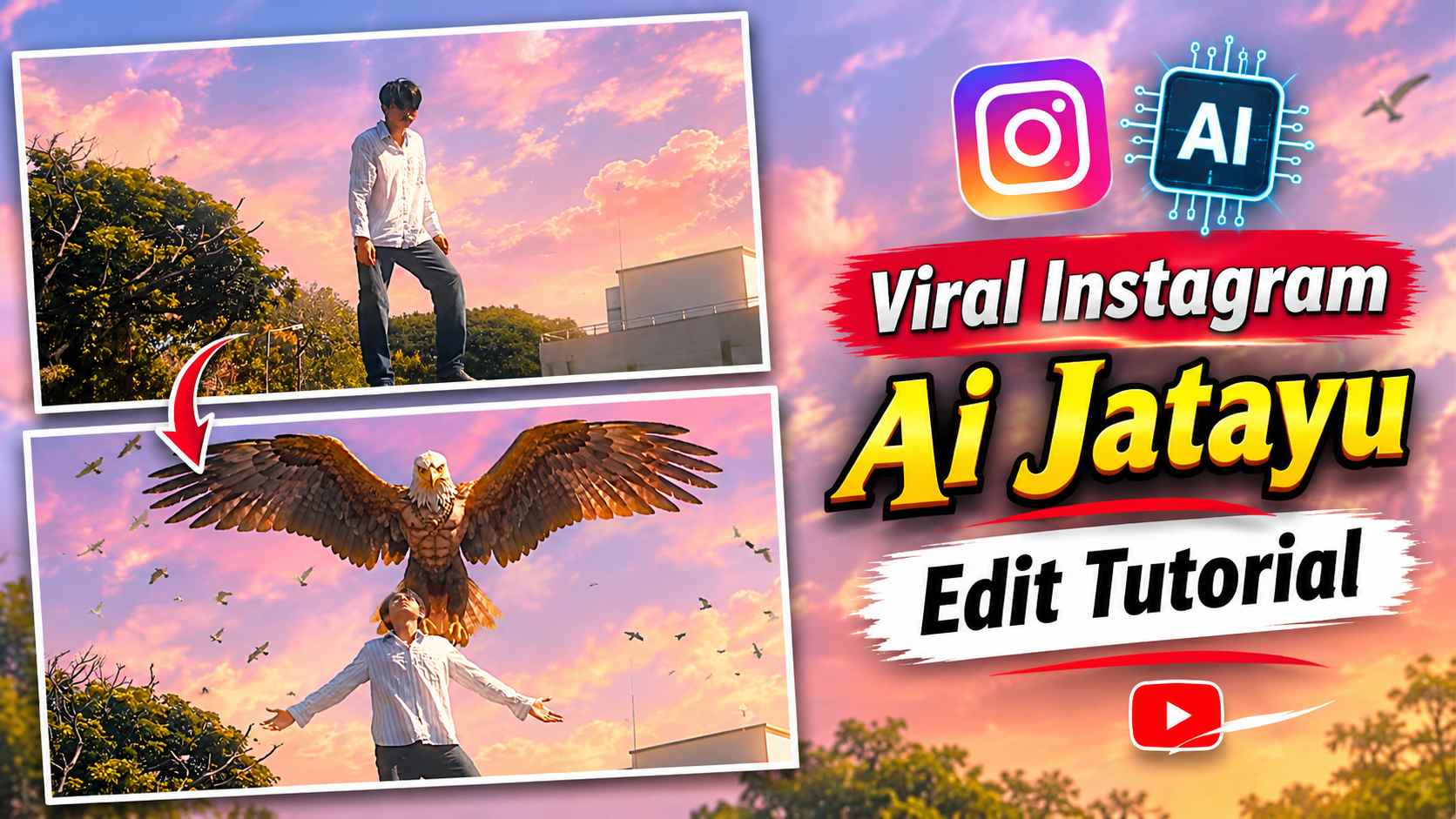
AI Jatayu Edit Tutorial – Currently, many unique videos created with the help of AI are rapidly going viral on Instagram, and one of them is the Jatayu AI Edit, which is becoming quite popular. In this type of video, a simple scene is transformed into a stunning cinematic scene using AI. You may have seen videos on social media where a person initially stands in front of the camera in a normal manner, and as they extend their arms, the magnificent form of Jatayu with huge wings appears behind them. The special feature of this edit is that it doesn’t require creating a complete AI video from scratch. You can first shoot a short video on your mobile phone and then use the last frame to create the Jatayu scene in Google Flow. After this, the AI-generated video can be edited in CapCut to create a captivating Instagram Reel with slow motion and other necessary effects. In this article, we’ll explain the entire process in a simple way, so you can also create a viral Jatayu AI Edit using your mobile phone.
What is the AI Jatayu Edit and how does it work?
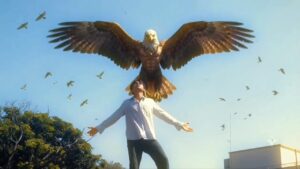
The AI Jatayu Edit is an image-to-video AI editing concept that combines your own video and an AI scene created using Google Flow to create a new cinematic video. This edit involves first shooting a scene of a person standing in front of the camera, bending over, then slowly straightening up and extending their arms. At the end of the video, when the person extends their arms upwards or to the sides, a precise frame of that moment is saved as a screenshot. This screenshot is then uploaded to Google Flow and, using the provided prompts, the scene featuring Jatayu is generated. Using that image as a basis, the AI creates a cinematic environment of Jatayu with huge wings behind the person. By combining your original footage and the new AI-generated scene, you can create a video that visually captures Jatayu’s arrival.
How to Create an AI Jatayu Edit Using Google Flow & CapCut
To create this AI Jatayu Edit, first shoot a short video with your mobile camera. While shooting, keep the camera fixed in one place and try to keep the camera angle and background unchanged throughout the video. Initially, have the person stand slightly bent over, then slowly straighten up and extend both arms, as shown in the reference video. After shooting, carefully watch the video and take a screenshot of the last frame where the person is seen extending their arms. Open Google Flow, upload the screenshot, and paste the Jatayu AI Video Prompt below. After submitting the prompt, the AI will create the Jatayu scene based on the frames you provided. Once the video is generated, save it to your device. Now, edit your original video and the AI video created with Google Flow in CapCut. Position both clips and apply slow motion, transitions, and some other light visual effects to the AI portion as needed. Finally, review the video to adjust the timing of the clips and export them as desired. Your AI Jatayu Edit is ready.
Prompt for Creating a Jatayu AI Video
Using the correct prompt is crucial to creating an AI scene featuring Jatayu in Google Flow. First, take a screenshot of the last frame of your video, clearly showing your pose. Then, upload that screenshot to Google Flow and paste your Jatayu AI Video Prompt in the space provided below. Include details about Jatayu’s appearance, his massive wings, and the surroundings in the prompt, as appropriate for your scene. Try not to change your original position and background significantly in the AI-generated scene, so it’s easier to merge the two videos in CapCut later.
Jatayu AI Video Prompt Here
How to Add the Final Touches to the Jatayu AI Edit in CapCut?
After generating and saving the AI video from Google Flow, the next step is to finalize it in CapCut. First, open CapCut and add your original video to the project. Next, import the Jatayu AI video created with Google Flow into the project. Now, set both clips so that the scene of the person extending his hand in the original video and the scene of Jatayu appearing in the AI video match each other perfectly. To make the video more cinematic, you can apply slow motion as needed to the Jatayu portion. Additionally, using subtle visual effects and appropriate transitions can create a better balance between the two parts of the video. Avoid excessive effects while editing, as the main attraction of this video is the AI scene of Jatayu and your original pose. Once the entire edit looks perfect, watch the video from start to finish, export it in your preferred quality and share it on Instagram Reels.
Last Word
The AI Jatayu Edit is a great editing concept for those who want to give their ordinary videos a unique and attractive look with the help of AI. In this entire process, you just have to shoot a short video, take a screenshot of its last frame and then create the scene of Jatayu ji with the help of Google Flow. After this, the final video can be created by combining both the clips properly in CapCut with the help of slow motion and necessary effects. If you also want to make such AI videos trending on Instagram, then definitely prepare your Jatayu AI Edit by following the steps mentioned above. With the help of right pose, clear screenshot and good prompts, you can give a new look to this concept as per your creativity.