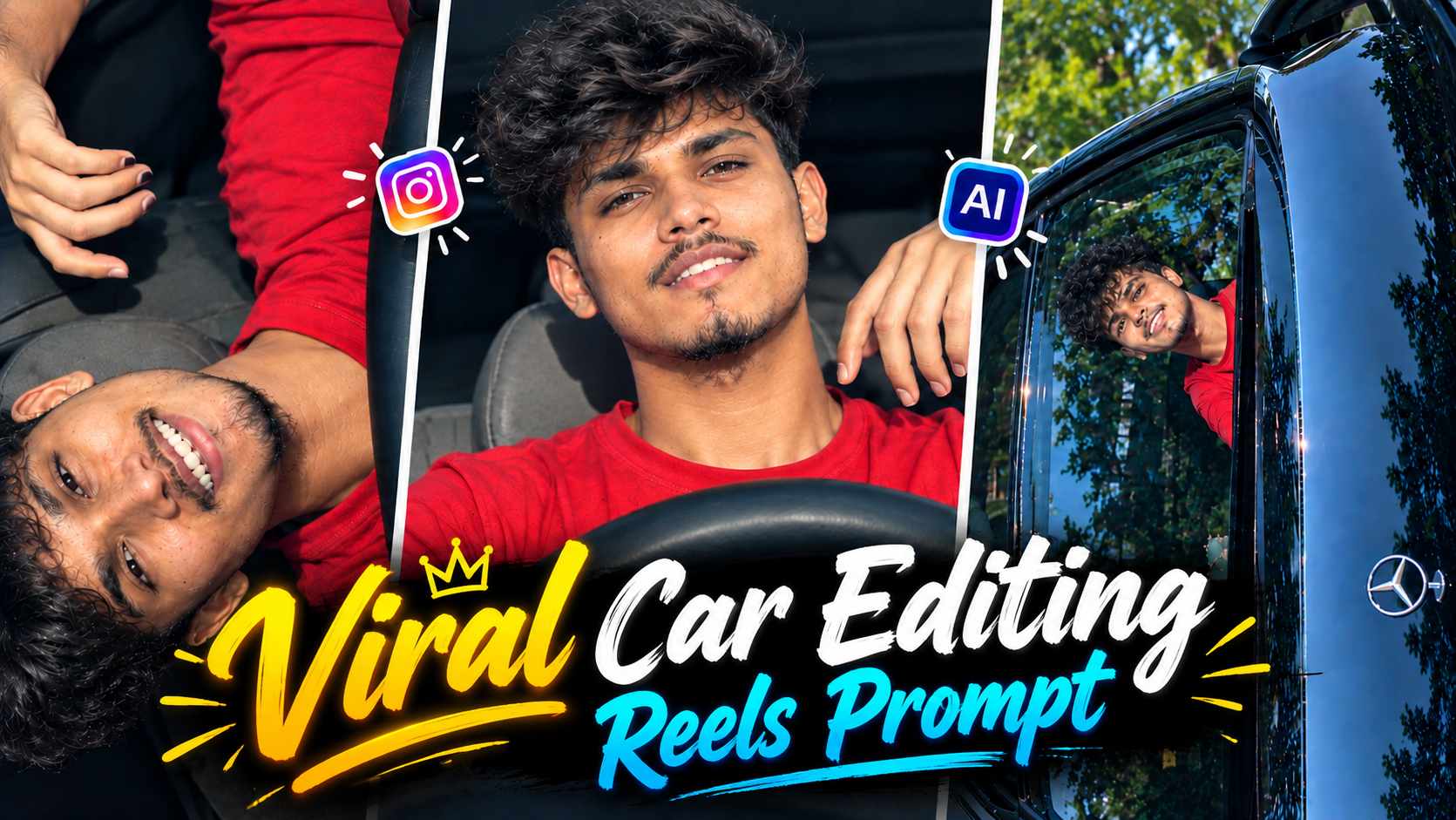
Car Driving Ai Video Prompt – A new trend of AI video editing is rapidly gaining popularity on Instagram Reels, transforming a normal photo into a cinematic car scene to create a short, music-style video. These trending car AI videos feature a person sitting inside a car, and their facial expressions, head movements, hand gestures, and singing or lip-syncing actions are animated by AI. Similar editing is also being used with Pata Chalega Song Reels, making this concept a compelling addition to music-based Instagram Reels. The special feature of this editing is that it doesn’t require you to get inside the car and shoot. Using a suitable photo as a reference, a detailed prompt is provided in the AI video tool, which then converts the photo into a cinematic, moving scene. The video attempts to synchronize the car interior, steering wheel, driving environment, camera framing, and the person’s performance, making the final result look more like a proper Instagram Reel than a simple photo animation. If you have a good-quality photo of your own, you can follow this concept and try this trending car AI video editing style with different photos.
What is a Trending Car AI Video Editing Prompt?
A Trending Car AI Video Editing Prompt is an AI video instruction that transforms a normal reference photo into a cinematic car-based video. The goal isn’t just to make the person move, but also to create a realistic car environment around them and present the entire video with natural movement. The prompt might show the person sitting in the car’s driver’s seat, looking ahead and lip-syncing to the song, making subtle facial expressions, and using natural hand or head movements as needed. The steering wheel, dashboard, seat and the rest of the car’s interior remain part of the scene, maintaining the feel of the driving environment in the video. Your original photo is the main reference in this type of editing, so it’s important to keep the face, hairstyle, clothes and overall appearance as consistent as possible. The current trend of Pata Chalega Song Reels is an example of a similar cinematic car performance concept, but being prompt-based editing, you can also use it according to your photo and the scene of your choice.
How to Create an AI Car Video in Pata Chalega Song Reels Editing?
For Pata Chalega Song Reels Editing, first choose a photo in which your face is clearly visible and the image quality is good. This photo can then be added as a reference image to an AI video generation tool like Google Flow. Now, use the Actual Car AI Video Editing Prompt given below. Within the prompt, you can give instructions like seating a person in a car, showing a cinematic driving environment, singing or lip-syncing expressions according to the mood of the song, and maintaining natural body movements. The AI will try to generate movement and surrounding scenery in that static image based on the reference photo. It’s also important to keep your original appearance stable during this process, so that your face or outfit doesn’t appear to change suddenly in different frames of the video.
Trending Car Ai Video Editing Prompt
After applying the prompt, carefully examine the generated video. In particular, ensure the face is natural, the hands and fingers appear correct, the car’s interior is stable, and the singing/lip-sync movements don’t appear overly artificial. If a minor flaw is noticed, there’s no need to rewrite the entire prompt. A small correction instruction can refine the concept by providing a specific part of the problem. This way, a more natural result can be achieved while maintaining the reference photo and original car-reel concept.
The Look of Trending Reels with the Pata Chalega Song
In this trend, the Pata Chalega Song can be used to give the video a music-reel feel. In AI-generated car videos, subtle expressions and movements, tailored to the mood of the song, rather than simply showing the person sitting, can make the video appear more engaging. For example, the person can look at the camera and make a song-like expression, make slight head movements, or make natural hand gestures. A close-up style presentation can also be created by showing the face slightly prominent in some moments, while in other parts the interior and driving setup of the car can be kept more visible. Such small movements give the video an Instagram music reel-like appearance rather than a static AI animation. However, the movements need not be too complicated, as natural and controlled expressions often appear more realistic. After the final video is created, it can be synced in Reel format with appropriate audio of Pata Chalega Song, so that the entire edit can be presented in the trending music-video style.
How to Make a Car AI Reel Realistic From Your Photo?
The results of a trending Car AI video largely depend on the quality of your reference photo and prompt. Therefore, it’s best to use a photo that clearly shows the face, important body parts, and doesn’t have excessive blur or heavy filters. If the face is clearly visible in the reference image, it can be relatively easy for the AI to maintain the person’s appearance consistent throughout the video. It’s also helpful to specify in the prompt that the original face, hairstyle, clothing, and identity should be preserved. It’s also important to keep the car environment stable. Frequently changing or distorting the steering wheel, dashboard, seat, and other elements of the car interior can make the entire video appear artificial. Human movement should also be controlled. Extremely fast head movements, sudden changes in body position, or complicated hand gestures can create unwanted distortion in the AI video. Therefore, instructions such as singing-style expressions, light head movements, natural hand gestures, and smooth body motion are more practical. If the first generation reveals a minor error in the face, hands, lip-sync, or car interior, it’s best to make targeted corrections to only that part.
How to Prepare a Trending Car AI Video for an Instagram Reel?
Once the AI-generated car video is ready, several things can be considered to finalize it for an Instagram Reel. First, check the overall framing and subject visibility of the video so that the person is clearly visible during all important moments. If the video has a wider view of the car at the beginning and a closer shot of the person later, the transition between the two parts should appear natural. When editing with the Pata Chalega song, the expressions and movements of the video can be aligned with the mood and beat of the song. Audio sync, trimming, and basic timing adjustments can be made in the Reel editor as needed, but it’s best to avoid unnecessarily altering the natural appearance of the AI-generated visuals. If a part of the video isn’t well-formed, regenerating or correcting only that part can be a practical option. In this way, an AI car video created from a normal personal photo can be presented in the proper Instagram Reel format. The most important thing is that the person’s identity, car environment, and movements appear naturally connected to each other in the final video.
Final Thoughts
With the help of the Trending Car AI Video Editing Prompt, it’s now quite easy to transform a normal photo into a cinematic car-based Instagram Reel. The Pata Chalega Song Reels style is a popular example of this concept, where a person is seen sitting inside a car, expressing, lip-syncing, and making natural movements to the song. With the right reference photo and a suitable AI prompt, the car interior, driving environment, and character movement can be created simultaneously. If there are any minor flaws in the face, hands, expressions, or car environment in the first generation, the result can be refined with small correction instructions. This way, without actually shooting a car, a cinematic and engaging Car AI Reel can be created from your photo and used as a music-based Reel on Instagram.