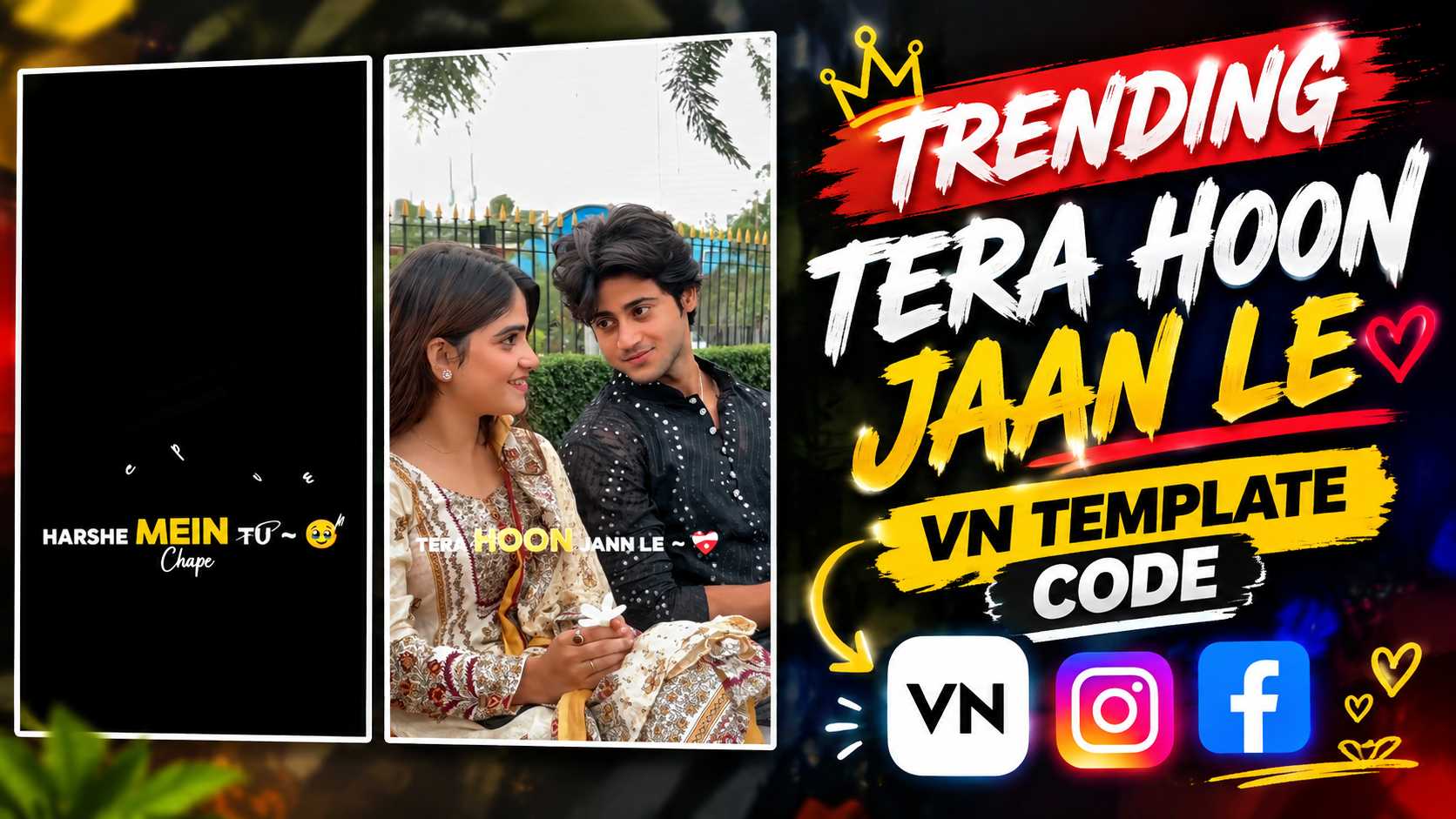
Tera Hoon Jaan Le VN Code – Nowadays, romantic and lyrical style short videos are quite popular on Instagram Reels, especially those Reels in which simple photos or videos are given a cinematic and attractive look through a ready-made template. “Tera Hoon Jaan Le” VN Template is also a similar trending-style lyrical template, in which you do not need to do much complicated editing. The specialty of this template is that in this, two of your different videos are used in a fixed sequence and after that, the lyrics, text animation, transitions and visual effects already present in the template start appearing automatically with your clips.
In the Reel of the template, along with romantic couple-style footage, lyrical lines like “TERA HOON JAAN LE” and “BAHON MEIN THAAM LE” appear as animated text. White and yellow typography, smooth text movement, light sparkles and light particles, subtle zoom and clean transitions together give an attractive lyrical editing look to the entire Reel. That’s why, if you want to turn two of your favorite videos into a romantic song-style Reel, this VN template can be an easy way to do it. In this article, we’ll explain the concept of the Tera Hoon Jaan Le VN Reel, how to use it in the VN application, the sequence in which to add the two videos, where to find the VN Code or QR Code, and how to create the final Reel from your photos or videos using the template, step-by-step.
The Concept of Tera Hoon Jaan Le VN Reel Editing
The entire concept of the Tera Hoon Jaan Le VN Reel is based on a short romantic lyrical presentation, where two separate clips are presented as one continuous Reel. This doesn’t mean you have to combine the two videos together to create a single video. The template is setup in such a way that the first video is added to the first slot and the second video is added to the second slot. The VN Template then arranges both clips according to its preset timing and displays pre-prepared lyrical text and animations over them. The template provides its opening visual at the beginning of the Reel, and as the video progresses, large animated words appear on the screen, corresponding to the song lyrics. The text animation for “TERA HOON JAAN LE” is one of the Reel’s key visual moments, while the line “BAHON MEIN THAAM LE” also appears with a different animation. The text is presented in a white and yellow combination, allowing the lyrics to be easily highlighted over the footage. Furthermore, small glowing particles, sparkles, light effects, smooth zooms, and transition movements keep the Reel static, maintaining constant motion throughout the clip. The main advantage of this template is that you don’t have to manually create the position, timing, and animation of the text.
All you need to do is insert your content into the correct slots and use the template’s preset design with your clips. So it’s especially useful for those who want to create a professional-looking lyrical reel in the VN App but don’t want to manually edit every effect from scratch.
How to Create This Reel in the VN App
Creating a Tera Hoon Jaan Le Reel in the VN Application is quite simple, but the most important thing is that you need to add the videos to the template in the correct order. First, open the VN App on your phone and access the VN Template or code you want to use to create this Reel. Once the template opens, you’ll see media slots within it. You’ll need a total of two videos for this Reel. Add your first selected video to the first slot of the template, and then select the second video to the second slot. It’s important to carefully sequence the first and second videos, as the template already creates its text, transitions, and animation timing based on this order. After selecting both clips, the VN Template will place your videos into its preset structure. In the preview, you’ll see the same lyrical style, with song-based text appearing at different moments and smooth visual movement between clips. If the first video is a portrait or close-up shot, and the second video features a different pose or moment, the two clips combined can give the Reel a more natural sequence. Therefore, when selecting videos, it’s best to choose clips with good lighting, a clear subject, and vertical framing. After applying the template, preview the entire Reel to confirm that both videos are placed in the correct slots and that important subjects aren’t obscured by text or effects. If the framing of a clip doesn’t look right, you can reposition or crop it slightly using VN’s available adjustment options. This way, you can create your Reel using the template structure built into the VN application, without manually writing lyrics or creating each transition separately.
Tera Hoon Jaan Le VN Template and Code
If you don’t want to manually design your Reel from scratch, the Tera Hoon Jaan Le VN Template and its VN Code/QR Code are the easiest way. After accessing the template using a VN Code or QR Code, you have the option to add your videos to the same preset editing structure. This template already includes lyrics timing, text animation, transitions, and visual effects, so you only need to select your media files. When using the template, first select your first video and place it in the first slot. Then, select your second video and add it to the second slot. After adding both videos, the template processes them according to its predefined sequence, and the animated lyrics and other effects appear in the reel. This eliminates the need to manually type text lines like “TERA HOON JAAN LE” or “BAHON MEIN THAAM LE.” In the section below, you can add a screenshot of the actual VN Code or QR Code so readers can directly follow the template. Only working and correct code/QR screenshots should be included here, so users don’t face any difficulties when opening the template.
Tera Hoon Jaan Le VN Code

How to Create a Video Using Photos from VN Template
If you want to create a Reel using your own photos instead of videos in this VN Template, first select your desired photos and check the template’s media slots to see if they support photo replacement. If the option to add photos is available in the template, the first photo can be added to the first slot and the second photo to the second slot. The VN Template will then display these photos in the Reel according to its preset timing, along with pre-existing lyrical text, transitions, and visual animations. When selecting photos, it’s best to choose images where the subject is clearly visible and the important part of the image isn’t too far off to the side, as zooming or movement in the template can slightly alter the framing of the photo. If you’re using a couple of photos, the final Reel may look smoother if the overall style and orientation of both photos are similar. After adding photos, review the preview and check that the face or main subject isn’t unnecessarily hidden under an animated lyric. If needed, the framing of the photo can be slightly adjusted using the crop, position, or adjustment options available within the VN. The special feature of this process is that you don’t have to manually apply text animations or transitions to each photo individually. The template sequences the photos according to its design and creates a complete reel with lyrics and visual effects. So, if you have two good photos but no suitable video clips, you can create a similar lyrical reel using photos using the supported template slots.
Final Thoughts
Tera Hoon Jaan Le VN Code is a VN template that provides an easy way to transform a simple two-clip edit into an attractive lyrical reel. The main structure of the edit is quite straightforward—add the first video to the first slot and the second video to the second slot, after which the template applies lyrics, text animation, transitions, and visual effects to the reel according to its preset timing. Lyrical text animations like “TERA HOON JAAN LE” and “BAHON MEIN THAAM LE” give the video a romantic feel, while small effects like white-yellow typography, subtle zoom, smooth movement, sparkles and light particles make the final result more engaging. The best part is that to create such a Reel, you don’t need to manually create every effect in the VN App. After selecting the right videos or supported photos and adding them to the template’s slots, you can check the final result by watching the preview and adjust the framing of your clips as needed.
If you want to try a short, romantic and lyrics-focused VN editing style for Instagram Reels, the Tera Hoon Jaan Le VN Template can be an easy and practical option for you. Select two good clips according to your content, add them in the right sequence and create your Reel with the template’s ready-made effects and share it on Instagram.