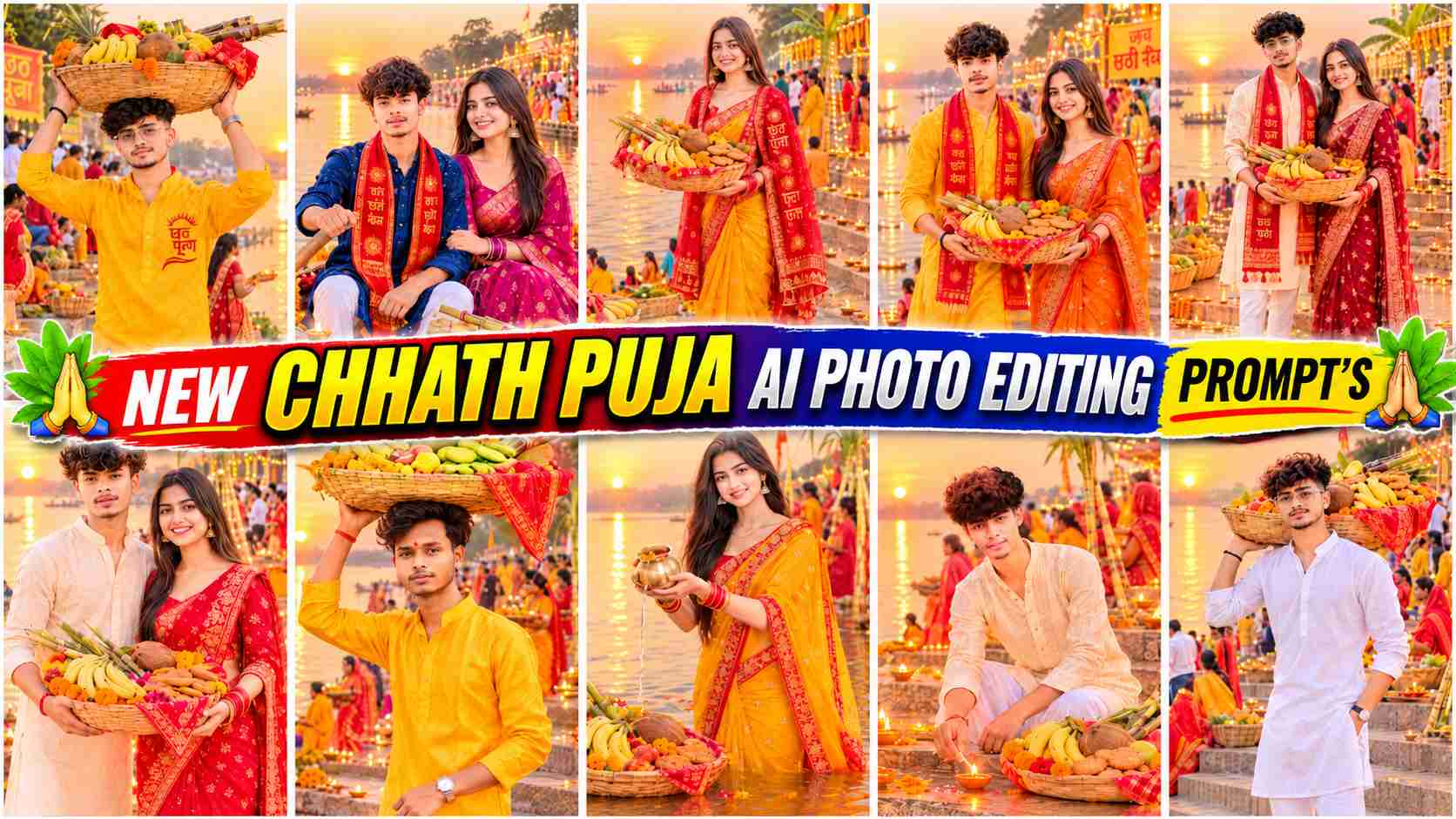
Chhath Puja AI Prompts – Chhath Puja is one of India’s most significant festivals, celebrated with devotion, faith, and traditional customs. During this festival, beautiful scenes of puja preparations on the river banks, decorated bamboo baskets, fruit-filled puja dauras, burning lamps, and offerings to the rising or setting sun are seen. Now, the trend of incorporating this traditional atmosphere into your photos through AI photo editing is becoming increasingly popular. If you want to transform an ordinary photo into a beautiful Chhath Puja AI portrait, you can do so with the help of Gemini and ChatGPT. With their help, you can add many spectacular scenes to your photo, such as traditional clothing, puja materials, river banks, colorful flowers, burning lamps, and golden light. This article will show you how to use nine different Chhath Puja AI Photo Editing Prompts, including three for boys, three for girls, and three for couples. These prompts allow you to create different festive looks to suit your preferences and transform your photos into a beautiful Chhath Puja atmosphere.
About Chhath Puja AI Photo Editing
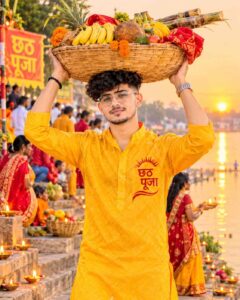
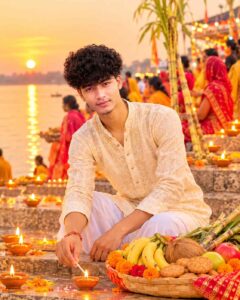
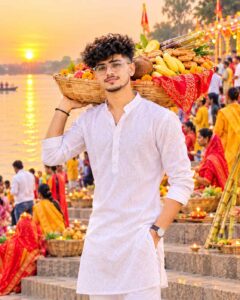
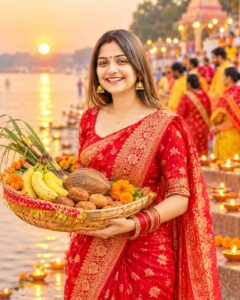
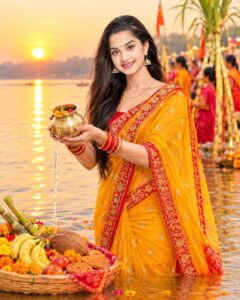
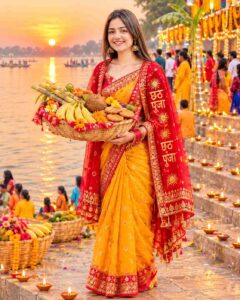
Chhath Puja AI Photo Editing is a way to transform your normal photos into traditional Chhath Puja themed photos. You don’t need an expensive camera or photo editing software; instead, you can give your photos a new look with the help of AI tools like Gemini or ChatGPT. Editing can include elements associated with the festival, such as traditional yellow, red, cream, or other colored clothing, saris, kurta-pyjamas, puja baskets, bamboo baskets, bananas, coconuts, sugarcane, thekua, and marigold flowers, depending on your photo. Additionally, the beautiful riverside ghats, sunlight falling on the water, decorations, and the vibrant atmosphere of diyas can make your photo even more attractive. The nine prompts provided in this article have been categorized into three distinct categories so that boys, girls, and couples can choose the right prompt based on their needs. Each prompt has a different concept and scene, so you can create multiple Chhath Puja portraits using a single reference photo. To achieve better results with AI, it’s helpful to use a reference photo that clearly shows the face and doesn’t have too much blur or filter applied.
How to Create Chhath Puja AI Photo Using Gemini & ChatGPT
Creating a Chhath Puja AI Photo using Gemini and ChatGPT is quite easy. First, open Gemini or ChatGPT on your mobile and upload a clear photo of the person for whom you want to create your Chhath Puja portrait. If you want to create a boyish look, use a reference photo of a boy. Upload the photo of the girl for the Girls prompts and separate reference photos of both the people for the Couple prompts. After this, choose the correct prompt as per your choice from the nine prompts given in this article and copy and paste it in the AI tool. After sending the prompt, the AI will create a new image based on your reference photo and the given instructions. For better results, pay attention to the instructions that preserve face recognition, natural skin tone and real facial features. If the image is not as per your expectations in the first attempt, then you can make changes in clothes, pose, background or lighting by giving small correction instructions based on the same generated image. In this way, you can create Chhath Puja AI Photo Portrait of your choice.
9 Best Chhath Puja AI Photo Editing Prompts 2026
This article will provide a total of nine different Chhath Puja AI photo editing prompts, which you can use as per your needs. These prompts are divided into three categories so that everyone can easily find a photo concept of their choice. The first category will include three prompts for boys, allowing you to create your own photo in different scenes like a traditional kurta, a puja basket, and a river ghat. The second category will include three prompts for girls, covering beautiful concepts like a traditional sari, a puja bowl, offering arghya, and Chhath Puja decorations. The third category will include three prompts for couples, allowing them to create a Chhath Puja Couple Portrait together using their reference photos. All these prompts include instructions on how to preserve facial recognition, traditional clothing, puja materials, beautiful ghats, and cinematic lighting. Paste all nine of your prompts according to their respective categories in the space below, and then use the prompt of your choice in Gemini or ChatGPT.
All Chhath Puja Photo Prompts
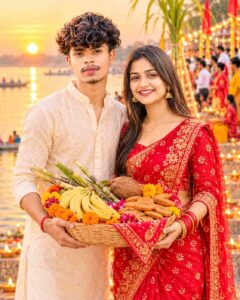
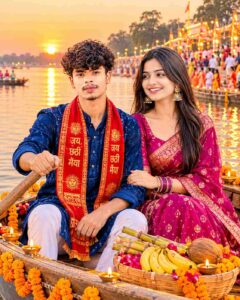
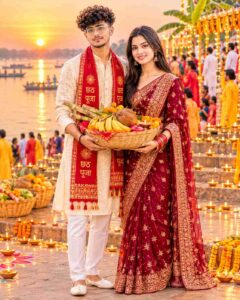
How to Customize and Correct in Chhath Puja AI Photo?
Sometimes the AI doesn’t create the exact photo you expected on the first try. Sometimes the facial recognition may be slightly different from the reference photo, and sometimes the color of the clothing, the position of the hands, the puja basket, or the background may not appear as you’d like. In such a situation, there’s no need to rewrite the entire prompt. You can give short and clear correction instructions for only the part that needs to be changed. For example, if the face has changed, tell the AI to preserve the facial recognition and the actual facial features as per the reference photo. If the color of the clothing isn’t correct, simply instruct it to change the color of the saree or kurta. Similarly, individual corrections can be made to make the fruits, coconuts, sugarcane, thekua, and flowers in the puja basket stand out more clearly, to beautify the river ghat, or to enhance the sunset lighting. In a couple portrait, pay special attention to maintaining the correctness of the faces and clothing of both participants. It’s best to make one or two essential changes at a time, as making too many changes at once can alter the pose, composition, or face of the photo. By making small adjustments like this, you can further enhance your Chhath Puja AI photo to your liking.
Conclusion
If you want to give your ordinary photos a beautiful, traditional, and festive look this Chhath Puja, these Chhath Puja AI Photo Editing Prompts can be very useful. With Gemini and ChatGPT, you can create a variety of AI portraits for boys, girls, and couples as per your choice. This article contains nine prompts, each covering three different photo concepts. You can create beautiful scenes featuring river ghats, puja baskets, traditional clothing, diyas, and golden sunlight by using the corresponding prompts along with your reference photo. For best results, use a clear reference photo and refine the image by adding small correction instructions if needed. Hopefully, these Chhath Puja AI Photo Editing ideas will help you create stunning photos of your choice.