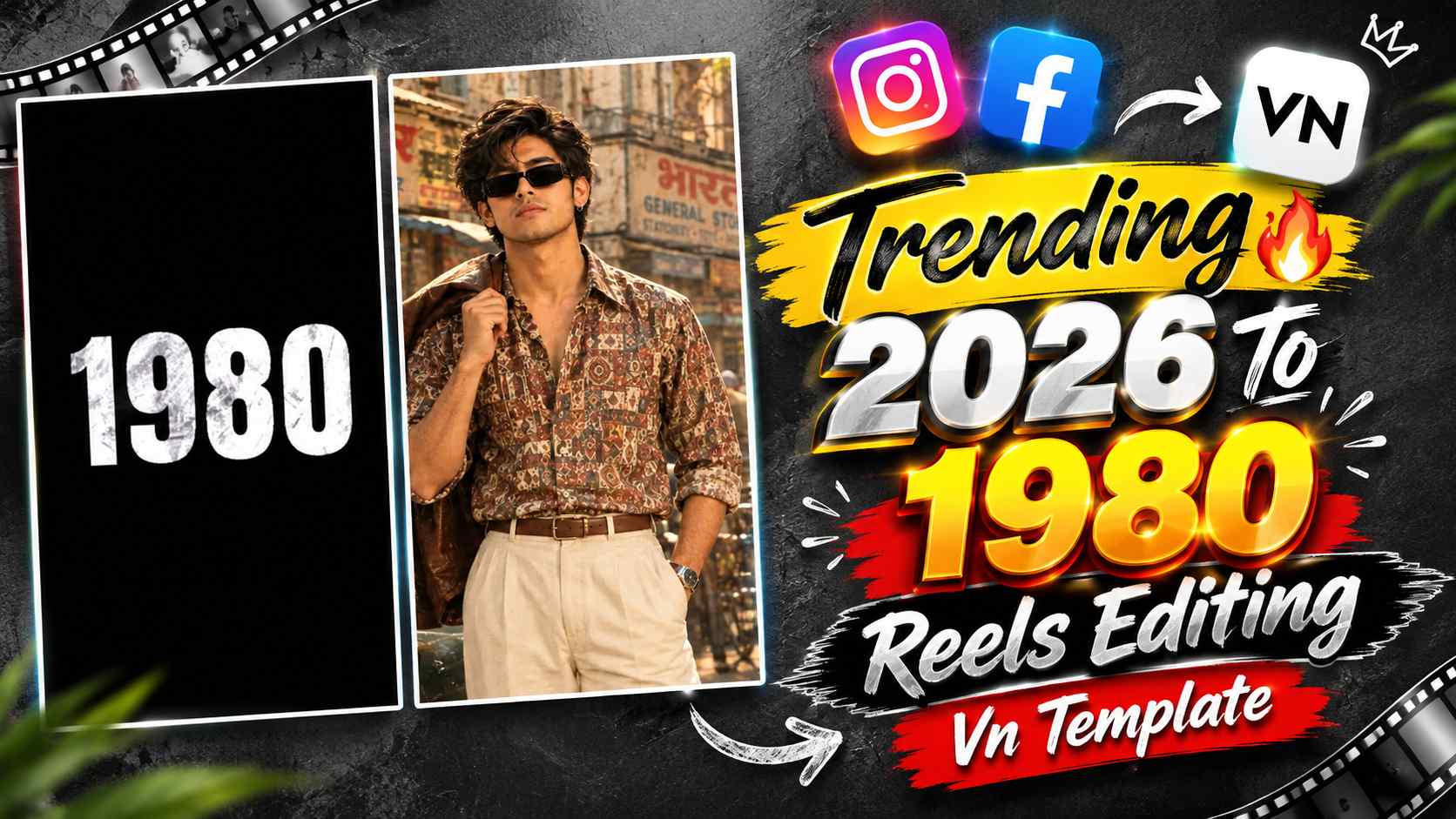
2026 To 1980 Vn Template – 2026 To 1980 Retro Reel Editing is a very interesting editing trend being seen these days on Instagram Reels and other short-video platforms. In this editing style, the video starts with a dark or black background, where a reverse countdown starts from the year 2026 and the numbers move rapidly backwards to 2025, 2024, 2023… and so on until they reach 1980. As soon as the countdown stops at 1980, your selected photo or photos appear in the video and the entire reel is presented with an old 80s-era cinematic and retro feel. This reverse-year concept makes this edit different from other normal photo reels and creates curiosity in the beginning about which photo will appear after the countdown ends. If you want to make such a 2026 To 1980 Retro Reel from your mobile, then there is no need to spend a lot of time in making it manually. Using the VN App’s ready-made template or VN code, you can create a similar reel in a few simple steps by adding your own photos to the template. This article will provide detailed information about this editing trend and an easy way to create videos using the VN template/code.
The Concept of 2026 to 1980 Retro Reel Editing
The most distinctive aspect of the 2026 to 1980 Retro Reel is its reverse countdown concept. While the numbers typically move forward in a normal countdown, in this editing, the year numbers start from 2026 and move backward, finally ending at 1980. The background is generally kept dark or black, making the changing numbers more clearly visible and creating a cinematic suspense at the beginning of the video. When the countdown reaches 1980, your photo or photo clips appear on screen. These photos then become the main attraction of the video, giving it a retro or old-era visual feel. The entire effect of this type of reel doesn’t depend solely on displaying a single photo, but rather on the combination of a countdown and a photo reveal. Therefore, if you already have suitable photos ready, you don’t need to generate any separate photos. You can follow this trend by simply inserting your existing photos into a VN template. Importantly, the template already includes editing tools like the countdown, transitions, and photo placement, significantly reducing the need to manually create each effect on the timeline.
How to Create This Reel in the VN App?
The easiest way to create a 2026 to 1980 Retro Reel in the VN App is to use a ready-made VN template or code. Manual editing can be time-consuming, creating the reverse countdown, timing the year numbers correctly, and synchronizing the photo reveal after 1980. However, a template makes this task much easier. First, open the VN App on your phone and prepare the VN template or code you want to use. Once the template is open, you’ll see the photo slots or clips provided. Select your pre-prepared photos and add them to the appropriate slots. If a photo needs to be cropped or adjusted, you can adjust it to your liking so that the subject appears in the correct position. After adding the photos, preview the entire template sequence and ensure everything looks correct, from the countdown to the photo reveal. The video can then be exported. The biggest advantage of this method is that you don’t need to manually create the entire countdown from 2026 to 1980, and your photos automatically fit into the sequence according to the template’s existing timing.
2026 to 1980 VN Template & Code
If you want to quickly create this trend in the VN App, you can use the VN template or code provided below. This template is specifically designed for a countdown concept that goes from 2026 to 1980 in reverse, with photos displayed in a video sequence after the countdown. Simply open the template in the VN App, add your photos, and the rest of the editing will be applied. If you already have 80s-style or retro-look photos, those photos can be used in this template. No separate photo-editing prompt or photo-generation process is required.
2026 To 1980 Vn Template

How to Create a Video Using Photos from a VN Template?
Once you have a VN Template or Code, it’s quite easy to use. First, open the VN App and use the options provided to scan or import the template. If you have a QR/Code image of the VN Template, you can load the template by selecting it from your gallery. Once the template successfully opens, VN will show you the photo slots or replacement clips within it. Now, select suitable photos from your pre-prepared 4-5 photos and add them one by one to the required slots in the template. After adding the photos, adjust the crop, zoom, or position as needed so that each image appears properly in the frame. Then, check the entire reel using the Next or Preview option. The countdown will start from 2026 and gradually move backward, and after reaching 1980, your photos will appear. If all the photos look correct and there are no unwanted crop or positioning problems, export the video. In this entire process, you only need to replace your photos, while the reverse countdown, timing, transitions, and other template-based editing are already prepared. This makes the VN Code/Template a very easy way for even beginners to create such a trending reel.
Final Thoughts
The 2026 To 1980 Retro Reel Editing concept is quite unique and attention-grabbing due to its reverse countdown style. The year countdown, starting from 2026 and ending at 1980, creates curiosity at the beginning of the video, and the reveal of photos after the countdown ends gives the entire reel a distinct retro feel. If you don’t want to spend a lot of time manually creating this trend, a VN Template or VN Code is the most convenient option. All you need to do is prepare your suitable photos, open the template in the VN App, and add your images to the required photo slots. After this, your reel is created according to the template’s existing editing. So if you want to create your reel on this retro countdown trend of 2026 to 1980, then you can create a clean and engaging video with less effort by using VN Template.