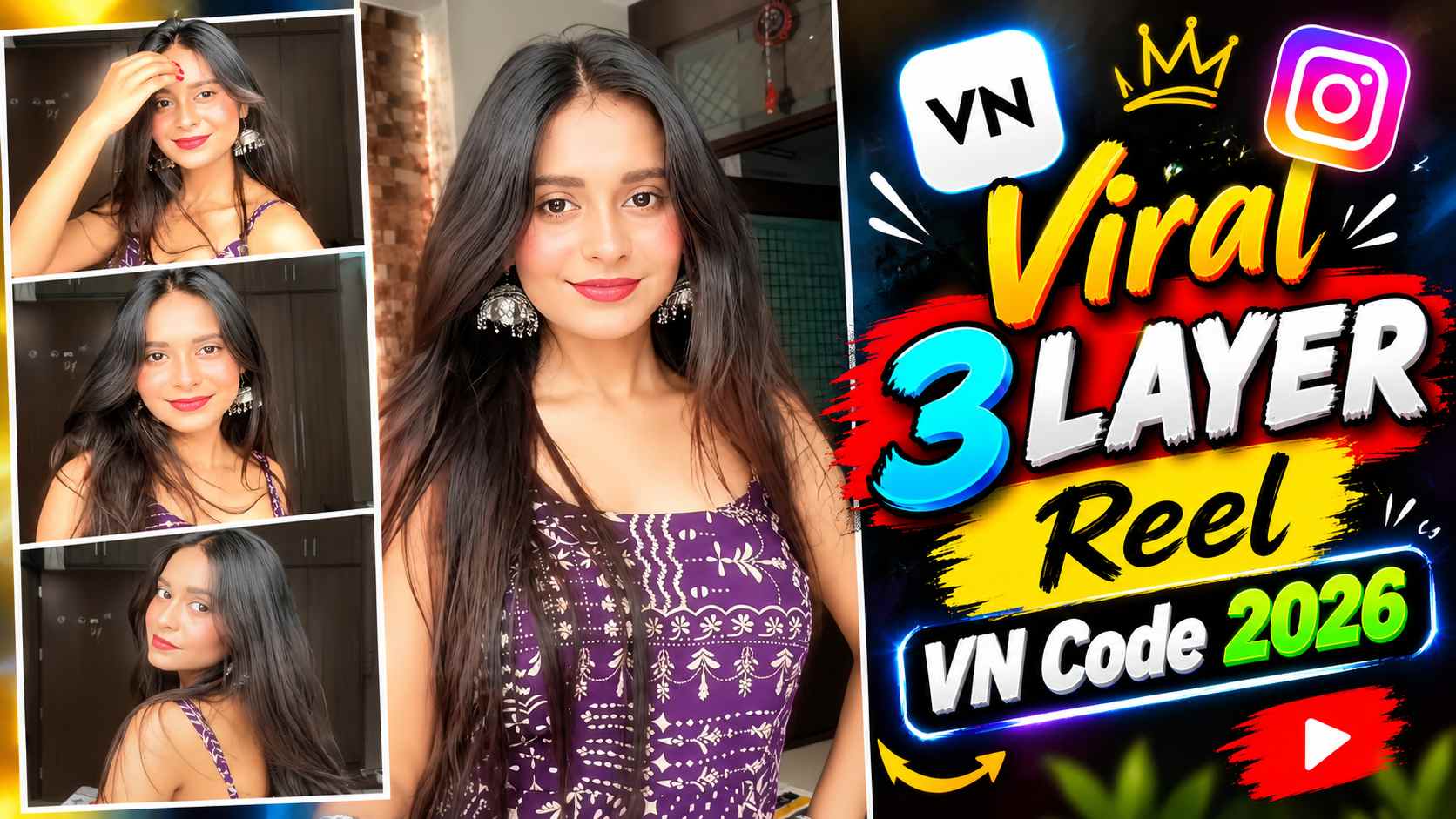
Viral 3 Layers Reel VN Code – These days, Instagram Reels are increasingly seeing editing styles that showcase photos and video clips on a single screen, with multiple visual layers, changing to the beat. The Viral 3 Layers Reel VN Code Template 2026 is based on a similar creative editing concept, with three distinct visual sections combining to give the Reel a dynamic and attractive look. Instead of simply viewing a simple photo slideshow, the distinct layers, quick visual changes, and smooth transitions make the entire edit more engaging. If you’re looking to create a Reel in this style with your own content, a ready-made VN Code or template can significantly reduce your editing time. You don’t need to manually design each layer from scratch; you can simply replace your media in the template to create a similar editing structure. The key thing is that adding just photos isn’t mandatory in this template. You can use photos, videos, or both in different slots, depending on your needs and content.
What is the Viral 3 Layers Reel VN Code?
The Viral 3 Layers Reel VN Code is a ready-made VN template/code, in which three-layer visual arrangement, timing, and transitions are pre-designed. The basic idea is to have multiple visuals appear simultaneously in different parts of the reel, and their movement or change in sync with the beat. After applying the template, you primarily need to add or replace your media in the available slots. It’s important to understand here that a 3-Layer Reel doesn’t necessarily mean you have to use only three photos. You can arrange photos or videos in each of the three layers according to your needs. For example, you could place a photo in the first layer, a short video in the second layer, and another photo in the third layer. Similarly, if you have more video content, videos can also be added to different slots. This template can also be customized by mixing photos and videos. This flexibility allows this template to be used for a variety of Instagram Reel content.
Using Beat and Transition in a 3-Layer Reel
The most distinctive feature of this editing style is its beat-based visual flow. When photos and videos in different layers change in sync with the beat of the audio or song playing in the Reel, the edit appears more energetic and synchronized. The three layers working together maintain visual movement on screen, and subtle transitions provide a continuous flow for the entire Reel. If a photo is to be displayed on a particular beat, a photo can be used in that spot, and a short video clip can be placed in the next section. Similarly, mixing photos and videos according to different beats allows the Reel to be customized to suit your content. Therefore, it’s not necessary to use the same type of media everywhere. Placing both photos and videos on different layers with the right timing can make the final edit appear more dynamic.
How to Use the 3-Layer Reel VN Code Template?
To create a 3-Layer Reel, first open the VN code or template provided in the VN application. After the template is applied, media slots will appear within it, where you’ll need to add your photos or video clips. You can use different media types here, for example, a photo in the first slot, a video in the second, and a photo in the third. If you prefer, you can also place different videos in all three slots, or use only photos. This means the template doesn’t limit you to any one media type. After selecting media, ensure that important parts of the photo are not cropped and that the main subject is positioned correctly in the video clip. If necessary, clips can be repositioned, cropped, or adjusted within VN. Then, preview the entire Reel to ensure that the visuals are timing correctly, with the beats and transitions. If everything is correct, you can make the remaining basic adjustments as needed and export the Reel.
Viral 3 Layers Reel VN Code

How to Choose the Right Photos and Videos for a 3-Layer Reel?
Media selection is crucial in this template, as the visuals used in the three layers work together to create the overall look of the final reel. If you’re using photos, it’s best to choose ones where the subject is clearly visible and the important parts aren’t too far off-center, so that cropping or movement doesn’t distort the photo in the template. Similarly, when adding videos, use short clips that clearly show the subject’s movement without making the clip too shaky or unclear. Instead of using the same photos in all three slots, you can also use photos and videos from different moments to maintain visual variety in the reel. Most importantly, it’s not necessary to use only photos. You can put a photo in one slot, a video in another, and a different photo or video in the third. A 3-Layer Reel can also be created by combining photos and videos.
Final Word
The Viral 3 Layers Reel VN Code Template 2026 is an easy way for those who want to create a stylish multi-layer Reel without manually editing it. The ready-made VN template simplifies basic layout, timing, and transitions, and all you need to do is add your media to the correct slots. The most useful thing about this template is that you don’t rely solely on photos for your content; you can use both photos and videos in different slots and combine them as needed. By choosing the right photos or short video clips and arranging them to the beat, you can customize your Instagram Reel to your style. After using the template, be sure to check out the final preview and adjust the crop, positioning, and timing as needed so that the entire Reel appears clean and properly synchronized when exported.