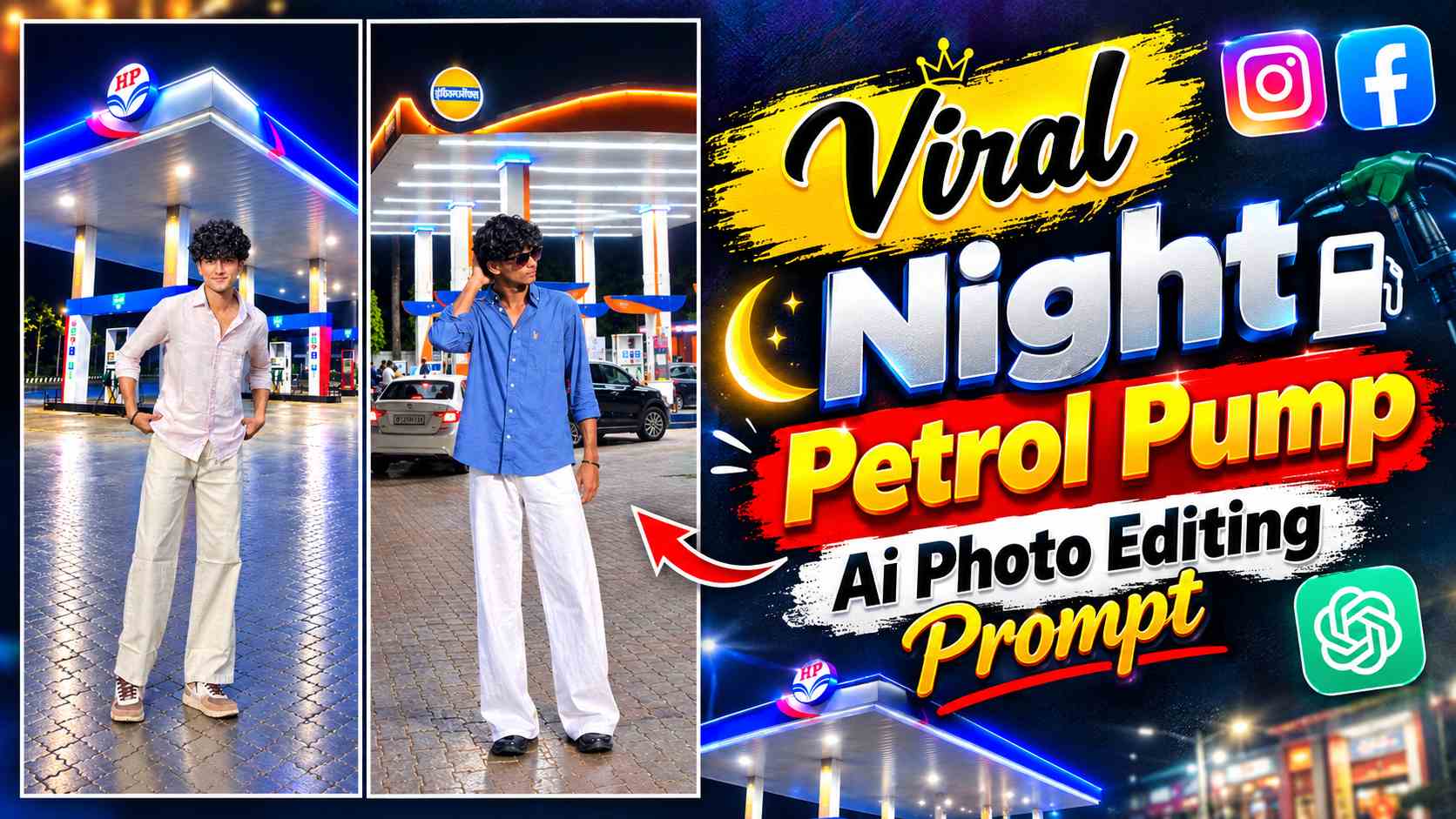
Night Petrol Pump Ai Prompt – If you have seen some new AI photo editing trends on Instagram recently, then you must have noticed such photos in which a person is seen standing at a petrol pump at night and the entire picture looks like a natural night photography. Similar type of Night Petrol Pump AI Photo Editing is getting a lot of attention these days, because in this any normal portrait can be converted into a realistic petrol pump environment. The night atmosphere in the photo, the bright lights of the petrol pump, the surrounding darkness and the road-side environment together create a different cinematic look. The special thing is that to create such an image, you do not actually need to go to the petrol pump at night and click the photo. If you have a clear original photo of yourself and a suitable petrol pump background, then with the help of AI image generation tools, an attempt can be made to combine both of them in a scene.
For this, by uploading your photo and background reference in AI tools like ChatGPT or Gemini, the required result is told through a prompt. Those who struggle with AI altering faces or unwanted changes in appearance can also manually recreate this concept using editing apps like PicsArt and Lightroom. In this article, we’ll explore this Night Petrol Pump Photo Editing trend in detail and learn how to create such photos using both AI and manual editing.
The Complete Concept of Night Petrol Pump Photo Editing
To understand this editing trend, it’s important to first understand that simply changing the background of the petrol pump in the final photo isn’t the entire process. A realistic result requires matching the lighting, perspective, position, and overall color tone between your original photo and the background. For example, if the lights of a petrol pump are falling on your subject from above or from the side at night, the same direction of lighting should be reflected on the face and clothes in the final photo. Similarly, the size and position of the subject should be adjusted to match the background, so the image will feel as if the photo was actually taken in that location. If you want, you can use an image of your bike or car in such a photo, which can make the petrol pump concept look more natural. But it is not necessary to have a bike or car; a normal standing or portrait photo can also be used with a suitable background.
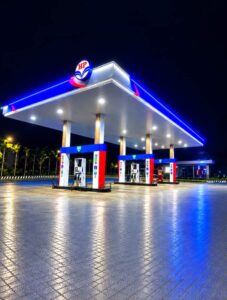
If you have different petrol pump backgrounds, then there is no need to keep the same location every time. Different looks can be created with backgrounds having different lighting, different petrol pump design and different camera angles. The advantage of giving the background as a reference to the AI tool is that you can decide the basic appearance of the scene in advance and through a prompt, you can give instructions to place your photo naturally in the same environment.
How to Create a Night Petrol Pump Photo Using Manual Editing?
If you don’t want to leave your original face and photo to the AI generation, the same concept can be achieved through manual editing. First, choose a suitable night petrol pump background that shows the petrol pump lights, the road, and enough space for the subject. After opening it in PicsArt, place your original photo over the background using Add Photo, removing the original background if necessary. Next, adjust the subject’s size, position, and foot placement so that it naturally fits into the petrol pump scene. For a realistic result, pay attention to shadows, especially around the feet and body. Then, take the photo into Lightroom and match the brightness, highlights, shadows, and overall colors to the background’s night lighting. With a little manual adjustment, both images can appear as if they were taken in the same location.
Night Petrol Pump AI Photo Prompt
If you don’t want to spend too much time on manual editing, this type of photo can also be created using AI tools. For this, first have your clear original photo and a suitable petrol pump background ready. Both images can be uploaded to the AI tool and instructed through a prompt to place them naturally in the petrol pump environment while maintaining their original identity and appearance. Including details like realistic lighting, camera perspective, shadows and background integration in the prompt can help in understanding the desired scene.
Night Petrol Pump AI Photo Background
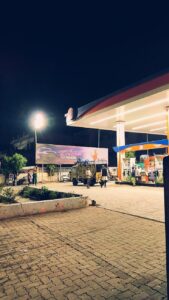
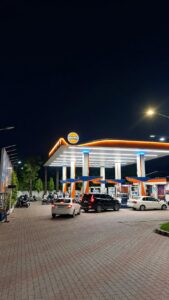
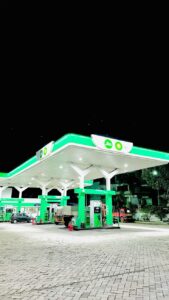
Petrol Pump Photo Editing Prompt
How To Create Night Petrol Pump Photo Using ChatGPT?
To create such an AI photo using ChatGPT, first open the ChatGPT application on your phone and log in with your account. Select the image creation option and upload your original photo and petrol pump background from your gallery. Once both images are uploaded, paste the actual prompt above into the chat box and start image generation. It may take some time for the result to be generated. After the photo is created, carefully check the face, hairstyle, clothes, hands, and overall appearance. If any part is not correct, you can regenerate the image by giving correction instructions. Using a high-quality original photo and a clear background can provide the AI with a better reference for creating the scene.
Final Thoughts
Night Petrol Pump AI Photo Editing is an interesting method for those who want to transform their normal photo into a different night-location setup. You can create it in two ways—by using the prompt provided by providing the original photo and petrol pump background in AI tools like ChatGPT, or by manually placing the subject in the background using PicsArt or Lightroom. The AI method may be easier, while manual editing offers more control over placement, shadows, and color grading. You can also try this concept with a bike, car, or simple portrait photo. Just pay attention to naturally matching the lighting and perspective of the background and subject so that the final photo appears more realistic.