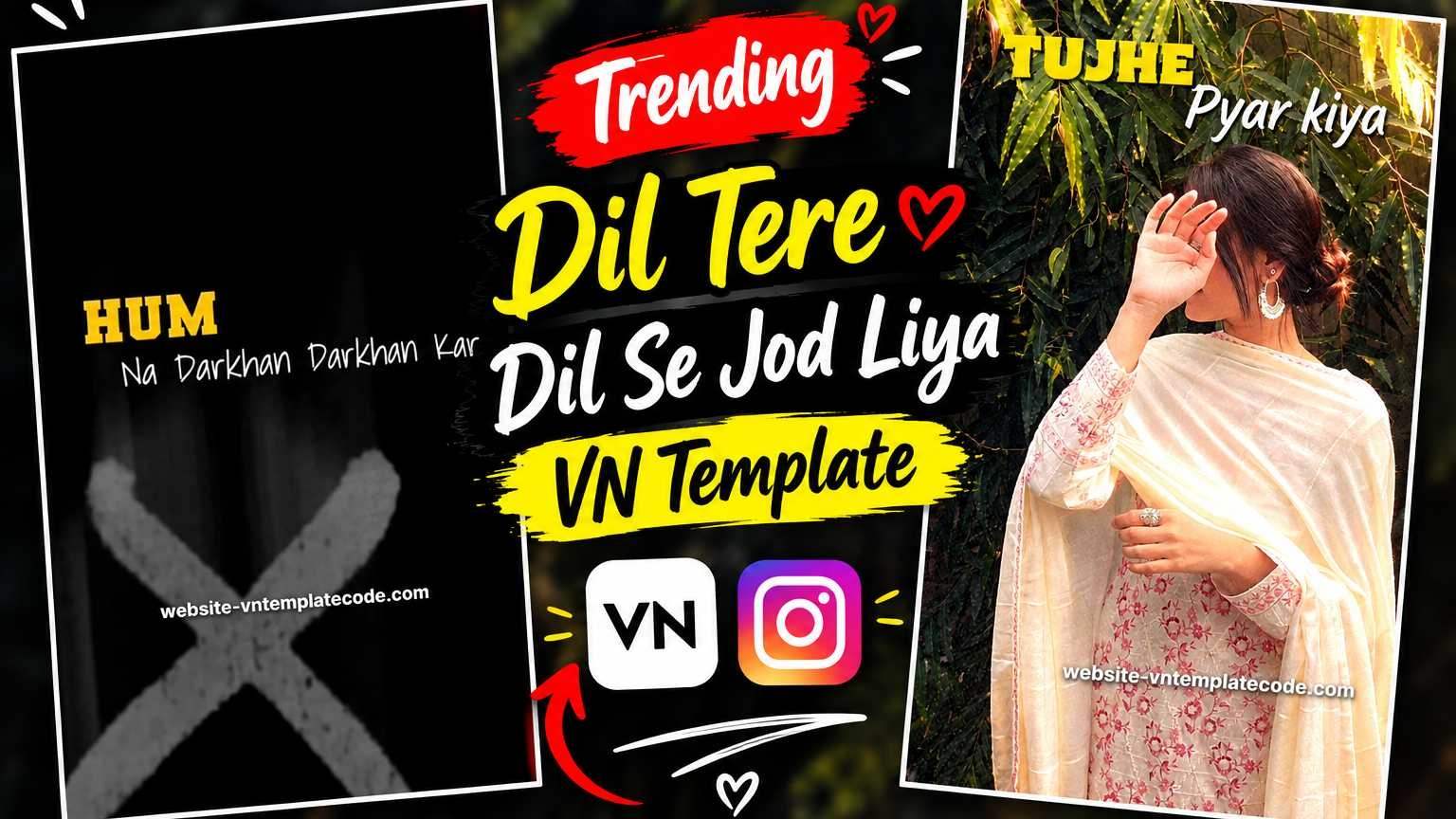
Dil Tere Dil Se Jod Liya VN Template – Cinematic and lyrical videos set to romantic songs are becoming increasingly popular on Instagram Reels, WhatsApp Status, and other social media platforms these days. The Dil Tere Dil Se Jod Liya VN Template 2026 is a stylish VN editing template that showcases photos or video clips in a cinematic way, accompanied by romantic lyrics. If you’re looking to create a similar Reel with your favorite photos or videos, this template could be useful for you.
This video creates a cinematic atmosphere from the beginning with song lyrics and text animation. Portrait visuals of the girl are then shown against a greenery and natural background, with smooth transitions, various text effects, and a romantic presentation. The entire edit, while simple, feels like a music video.With this template, you don’t need to create each transition and text effect separately. You can use the template in the VN App, add your favorite photos or videos, and then create your entire video using the same editing style. Below you are given complete information about this VN Template, how to use it, VN Code, QR Code and export process.
What’s in the Dil Tere Dil Se Jod Liya VN Template?
The Dil Tere Dil Se Jod Liya VN Template is a romantic lyrical video editing template, specifically designed to stylishly present photos and short video clips along with a song. The lyrics begin with a dark cinematic background, and the video gradually progresses, showing photo and video scenes with various transitions. The cinematic look of nature and greenery in the video makes the overall presentation even more attractive. Different words of the lyrics appear on the screen with animation, interspersed with photo or video clips. This makes the final edit look less like a simple slideshow and more like a short romantic lyrical reel.
When using the template, you can add photos or videos of your choice as needed. If you only have photos, you can add them, or if you want to use short video clips, you can add them to the template to create a custom final video.
How to create a romantic video using this VN template?
First, open VN Video Editor on your mobile and access the template using the provided VN Code or QR Code. Once the template is open, carefully review the pre-existing editing sequence, lyrics, and transitions. Select and add the photos or video clips of your choice where the option to add media appears. After adding your media, be sure to preview them in the VN App. If a face or main subject isn’t in the right place in a photo or video, you can correct it by cropping, zooming, or positioning it. Similarly, if a video clip is too long, you can trim it as needed to adjust it to the template’s timing. Once all the photos or videos are in the right place, play the entire video from start to finish. Make sure the transitions between lyrics and media appear smooth. Once everything is in place, your romantic lyrical VN video will be ready to export.
Dil Tere Dil Se Jod Liya VN Code & QR Code
If you’d like to use this Dil Tere Dil Se Jod Liya VN Template directly, the VN Code and QR Code can be found below. The VN Code allows users to access the template in the VN App, while the QR Code provides a quick access option.

After opening the template, you can add photos or videos as needed. If you have multiple photos, you can place them in the photo slots, and if you want to use short video clips, they can also be added to the template’s media sections. This way, the same template can be used to customize the content. After adding media, be sure to review the full preview. If a photo or video doesn’t fit properly in any place, adjust it in the VN App. Your video will then be ready with the template’s original lyrics and transitions.
Customize the Edit with Your Favorite Photo or Video
The easiest part of this template is that you don’t need to create the editing from scratch. You can customize it by adding your favorite photos or videos to the template. Different media can be used to suit your needs, such as romantic portrait photos, couple photos, travel clips, or short cinematic video shots. If you’re using photos, it’s best to choose clear, high-quality, vertical photos. When adding video clips, using short, smooth clips can make the entire edit, along with lyrics and transitions, look more natural. The position, zoom, and duration of the media can also be adjusted in the VN App if needed.
After making all the changes, preview the video and make sure your photo or video appears at the right time with the lyrics. This way, you can use the same VN template with different photos and videos to create a variety of romantic edits.
Last Word
Hopefully, this article has given you complete information about the Dil Tere Dil Se Jod Liya VN Template 2026. This template can be useful for users who want to create an attractive Reel from their photos or videos with romantic lyrics, cinematic transitions, and stylish text effects. All you need to do is access the template using a VN Code or QR Code and then add the photos or videos of your choice. After adjusting the media in the right place, preview the entire video and export the final edit by making minor changes as needed. If you like new VN Templates, VN Codes, VN QR Codes, and Trending Video Editing Resources like this, be sure to keep checking out the upcoming templates.