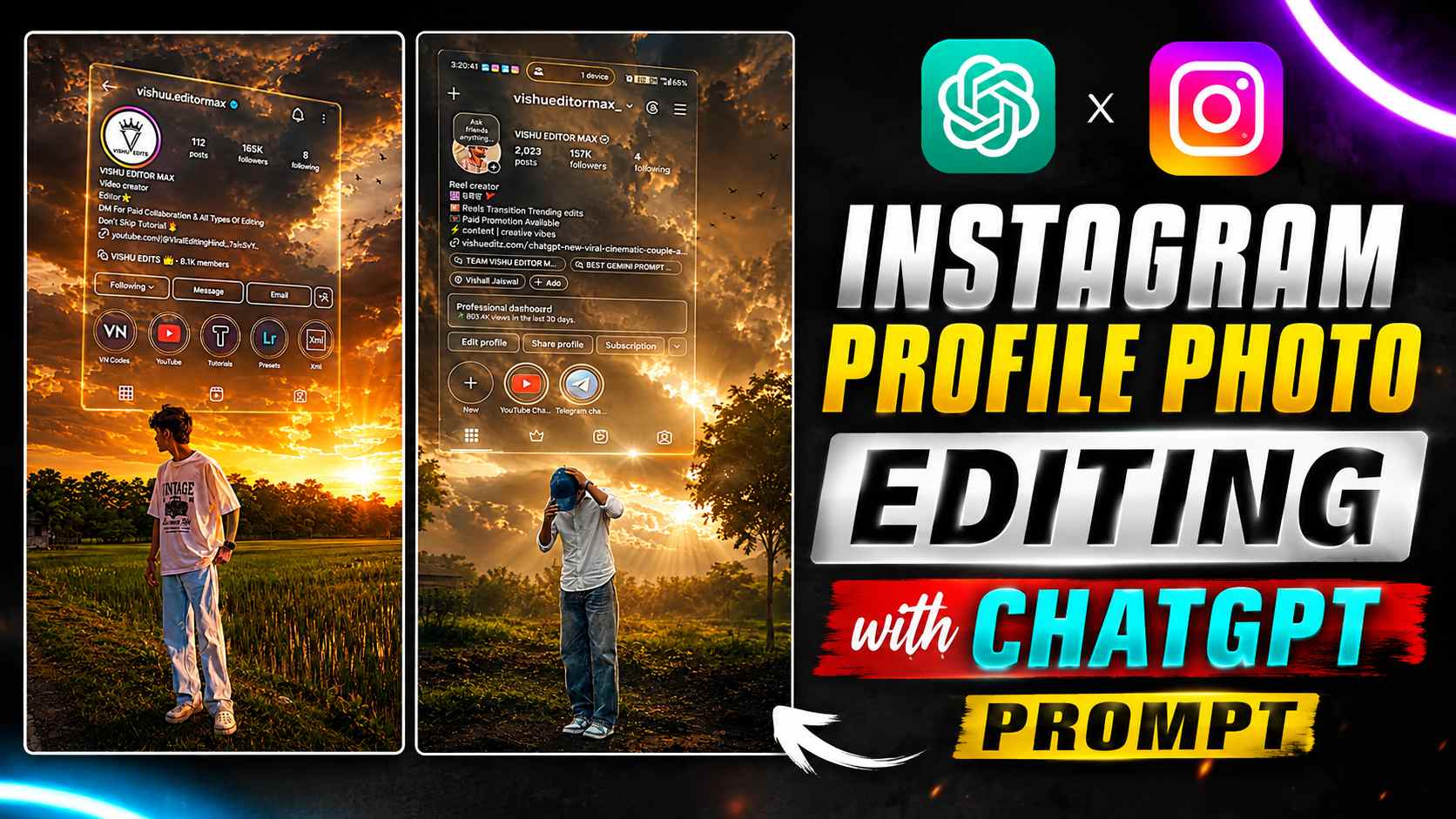
Instagram Profile Photo Editing with ChatGPT – Nowadays, it’s not enough to have a good photo on social media; the way it’s presented also matters. Instagram creators, in particular, find photos more appealing if they creatively showcase their personal photo and their entire profile. A similar, intriguing photo concept involves using a standard photo and a screenshot of your Instagram profile. By submitting these two images to ChatGPT with the right prompt, a cinematic image can be created, showing your Instagram profile and photo as a stylish glass screen or floating profile card. This image combines the background, lighting, profile layout, and your photo into a single composition, making the entire image look like a professional creator’s poster. The key is that it doesn’t require hours of work in complicated editing software. With the right prompt and your necessary images, you can easily achieve this kind of creative result. If you’re looking to create something unique and eye-catching for your Instagram profile, this article will show you how to create one. I’ll also explain which photos and Instagram screenshots are best to use, and how to use the prompts in ChatGPT to make the final image look cleaner and more attractive.
Get Your Photo and Instagram Screenshot Ready
Before you begin this editing, you’ll need to have two images ready. The first will be a clear, high-quality photo of yourself, which will be used as the main subject in the final design. Try to ensure your face is clearly visible and the image isn’t too blurry or dark. The second image will be a screenshot of your Instagram profile. When taking screenshots, ensure your profile photo, username, and other important parts of your profile are clearly visible. If you want to feature a specific Instagram account in this creative design, use a screenshot of that profile. Now, upload both images to ChatGPT. Then, paste the prompt below and tell ChatGPT to create a cinematic, creator-style composition using the uploaded photo and Instagram screenshot as reference. You don’t need to crop or manually edit the images beforehand. The clearer and more natural the original images are, the better. ChatGPT will try to combine both references into a single creative design, following the instructions in the prompt.
Instagram Profile Cinematic Prompt
Now that you have your standard photo and Instagram profile screenshot ready, upload both images to ChatGPT. Then, paste the prompt below into the same chat. The purpose of the prompt is to make your uploaded photo the main subject, while also making your Instagram profile screenshot part of the same creative composition. The prompt includes details such as the photo’s overall presentation, background, lighting, profile placement, and cinematic look, so that the final image doesn’t just appear to be a simple photo and screenshot combination, but rather a properly designed creator-style visual. If you want this exact result, it’s best to use the prompt without making any significant changes. However, you can change small details like the background, lighting, outfit, or overall mood to suit your preferences. Another important thing is to upload both reference images together when using the prompt. This will make it easier for ChatGPT to understand which image is your main photo and which one to use as the Instagram profile reference. Now copy the prompt given below, upload both your images and paste it in ChatGPT to generate the image.
Cinematic Photo Prompt
How to Use the Prompt
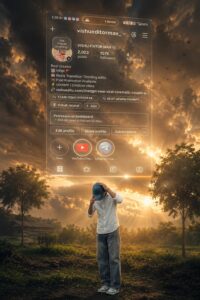
Using the Prompt is quite easy. First, upload your standard photo and a screenshot of your Instagram profile to ChatGPT. Once both images are uploaded, paste the above prompt into the same chat and ask it to generate an image. ChatGPT will quickly create a new cinematic composition using the uploaded images as reference. If the first attempt doesn’t turn out as you’d like, you can regenerate the image by making minor changes to the background, lighting, profile placement, or overall look. For better results, initially use the clear photo and clear Instagram screenshot that you want to appear in the final design. This will make it easier for ChatGPT to understand both references.
Customize the Result for a More Personal Look
If the first image isn’t exactly to your liking, you can tell ChatGPT in the same chat whether you want to make small changes. Such as darkening or brightening the background, changing the lighting, adjusting the position of your Instagram profile, or making the overall look more cinematic. You can also customize the outfit, pose, background, and mood of the image to suit your needs. There’s no need to rewrite the entire prompt—just clearly state the areas you need changed. After a few adjustments, you can create a final design from your photo and Instagram profile screenshot that’s closer to your own style.
Final Thoughts
Creating this kind of creative cinematic design using your regular photo and Instagram profile screenshot is a very interesting method. Using the prompt above, you can try giving your photo a different creator-style look without complicated editing. If the first attempt doesn’t yield the desired result, you can regenerate the image with small changes. By changing the background, lighting, and overall presentation, you can customize the final design to your style. We hope this method will be useful and you’ll be able to create a stunning new visual for your Instagram profile. Now, choose your favorite photo and profile screenshot, use the prompt, and create your unique creator-style design.