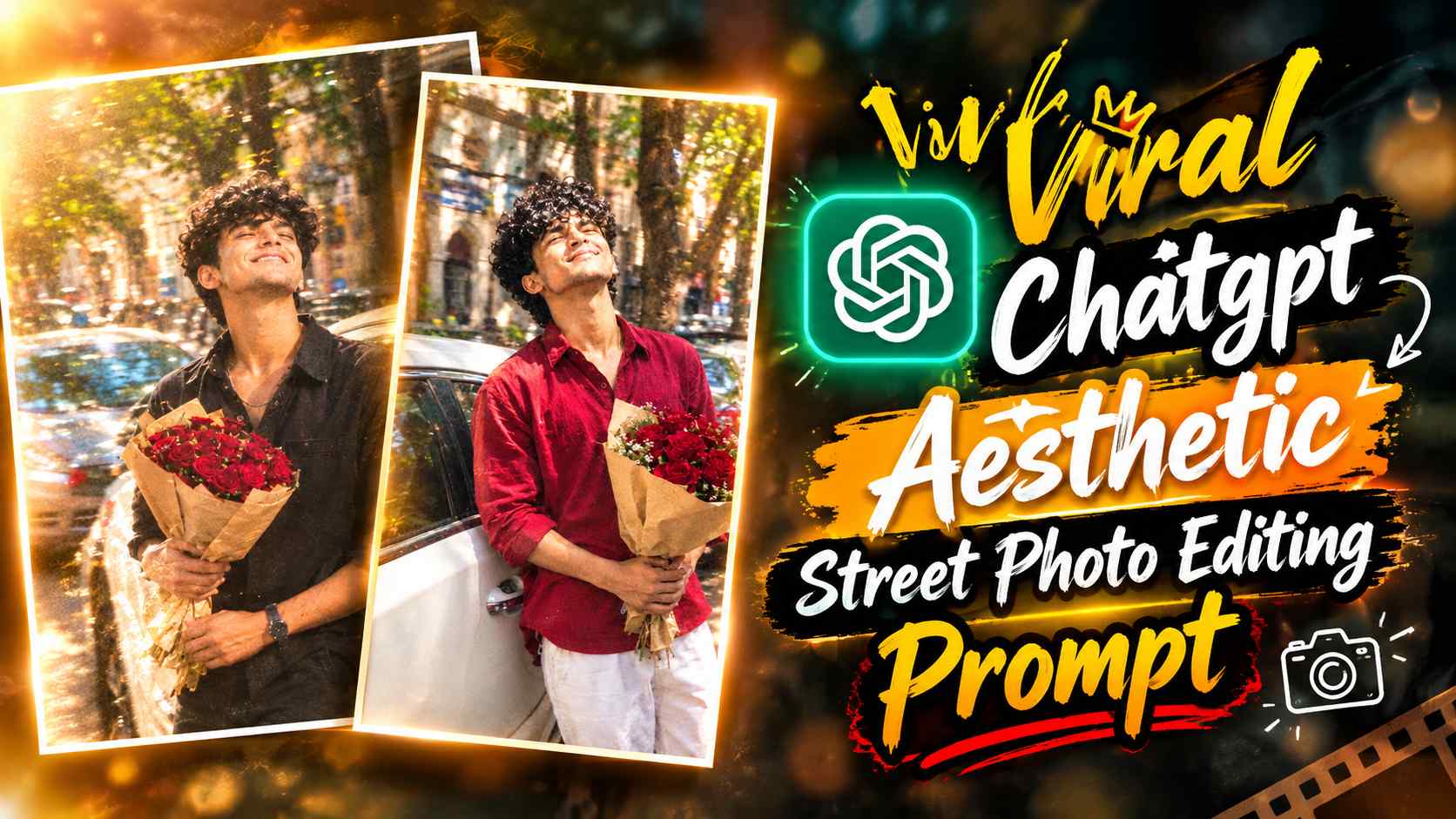
Aesthetic Street Photo Prompt – Simple-looking yet cinematic and candid-feeling AI photos are becoming quite popular on Instagram these days. A similar new aesthetic street photo editing trend can be created with the help of ChatGPT, in which your normal photo is given the look of a natural candid snapshot in the middle of a busy city street. In this editing, the subject is holding a bouquet of deep red roses, a white car, parked vehicles and old building arches are visible in the background, and the bright sunlight gives the entire scene dreamy highlights and a soft glow. The special thing is that the final photo is not kept too perfect or polished, but an authentic street-photography feel is given through motion blur, film grain, faded colors, lens softness and slightly imperfect camera texture. If you want to create such a viral aesthetic photo for Instagram, in which the photo looks like a natural and real snapshot despite being edited, then this ChatGPT Street Photo Aesthetic Prompt can be very useful for you.
ChatGPT Aesthetic Street Photo Prompt
This Aesthetic Street Photo Prompt is specifically designed for creating a candid outdoor portrait. The subject is shown standing near a white car, holding a bouquet of deep red roses wrapped in brown kraft paper. Pose is also an important part of this editing—the body leans slightly back, the head is tilted far back, and the face appears to be raised towards the sunlight. Eyes closed and a broad, joyful smile make the photo feel like a carefree and spontaneous moment. The tree-lined city street, parked cars, and old building arches in the background give the scene a realistic urban environment. Effects like bright sunlight, dappled shadows, heavy motion blur, faded colors, intense film grain, and hazy glow are applied, making the entire image feel more like an old, candid camera snapshot than a planned studio shoot.
What’s special about this aesthetic street photo?
The most striking feature of this photo concept is its imperfect and natural aesthetic look. The subject is wearing a simple black shirt and black trousers and holds a bouquet of deep red roses in each hand, creating a nice visual contrast between the dark outfit and the red flowers. The white car and busy tree-lined street in the background create depth, while old building arches give the image a slightly classic city-street character. Bright midday sunlight creates bright highlights on the face and surrounding areas, and dappled shadows from the trees make the scene appear natural. Heavy motion blur, soft lens effect, smeared edges, and imperfect focus are intentional in the photo. Faded muted colors, film grain, bloom, and hazy glow give the image a retro digital-camera or film snapshot-like texture. No beauty filters or artificial skin are used in this entire concept, so skin texture and minor natural imperfections are preserved.
ChatGPT Aesthetic Street Photo Editing Prompt
Your actual ChatGPT Aesthetic Street Photo Editing prompt will be displayed here. The prompt below can be used with your original photo in ChatGPT to generate a similar aesthetic street-photo result.
Aesthetic Street Photo Prompt
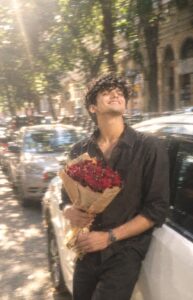
When using the prompt, choose an original photo of yourself with a clear face and clearly visible facial features. This will help ChatGPT accurately retain your identity and natural appearance. The final result will be created according to the prompt, including the pose, roses, white car, street background, sunlight, and cinematic imperfections.
How to Create an Aesthetic Street Photo with ChatGPT?
To create such a photo, first have a clear, original photo ready. It’s best to take an image that clearly shows your face and isn’t too blurry or low-quality. Then, open ChatGPT and upload your original photo. After uploading, copy and paste the actual Aesthetic Street Photo Editing Prompt above into the same chat and send it for generation. ChatGPT will interpret your reference photo and create a new image result based on the street environment, outfit, bouquet, pose, and lighting style described in the prompt. After generation, carefully check the face, hands, body proportions, and overall composition. If any area seems lacking in naturalness, you can improve that particular detail by giving correction instructions in the same chat.
Final Thoughts
With the help of the ChatGPT Street Photo Aesthetic Prompt, an ordinary portrait can be given a fresh and Instagram-ready look that differs significantly from traditional studio editing. This concept prioritizes candid expression, natural texture, motion blur, film grain, faded colors, and imperfect camera feel, rather than beauty filters or overly smooth skin. Roses, a white car, sunlight, and a busy city street combine to create the photo feel like a spontaneous outdoor moment. If you want to try a different aesthetic and cinematic editing style for your normal photos on Instagram, you can easily recreate this viral-style street photo look by using this prompt with your clear original photo.