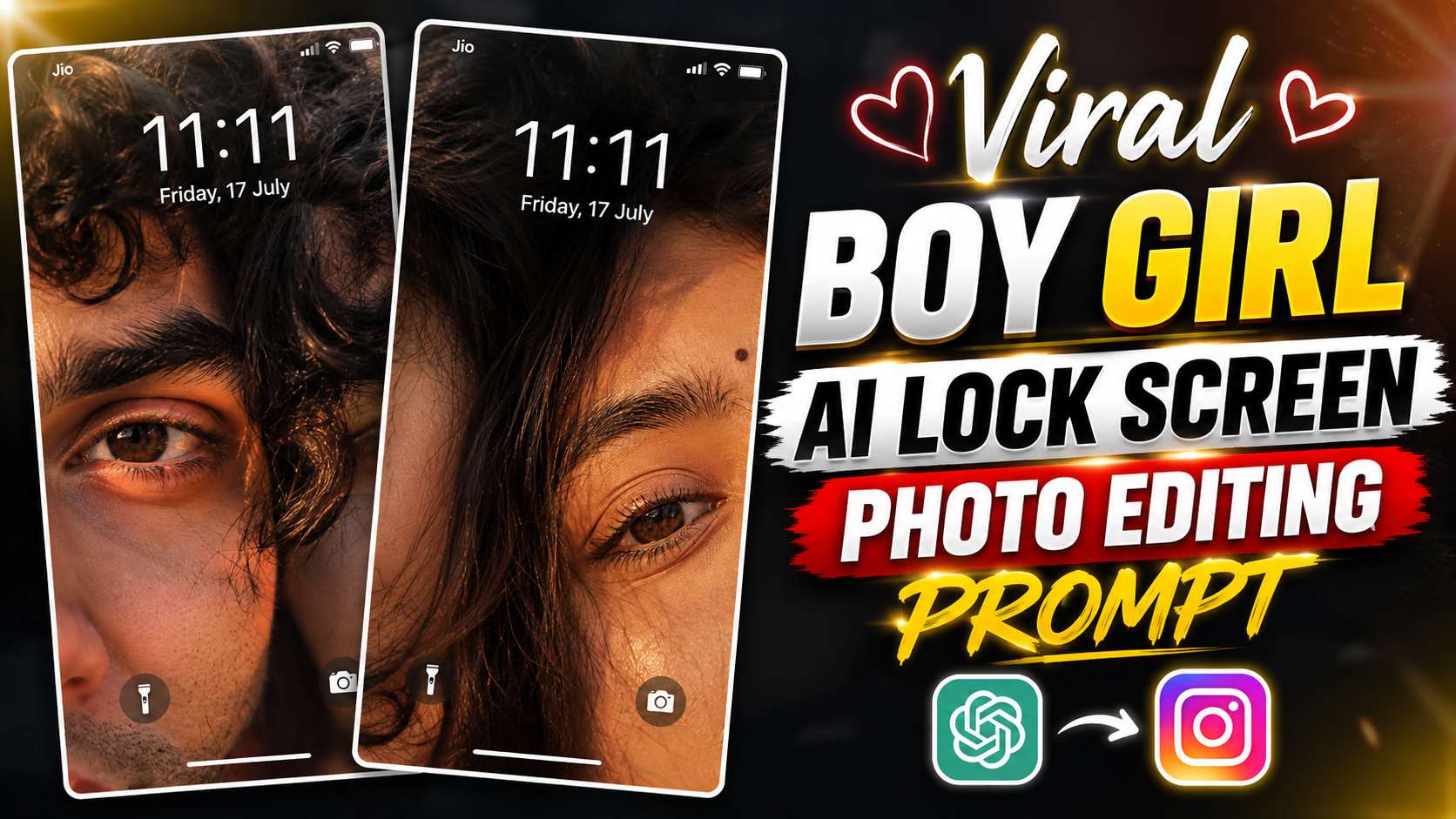
Viral Boy Girl AI Lock Screen Photo Editing Prompt – A new style of “Boy-Girl” AI photo editing is gaining popularity on Instagram these days. It involves combining separate photos of a boy and a girl into a single frame, making them appear very close to each other. Especially close-ups of the eyes and images created by blending the two photos together are quite attractive on social media. After seeing such photos, many people want to replicate them with their own photos. Previously, editing photos like this required considerable time in Photoshop or other editing software. But now, with the help of AI, this task has become much easier. If you have two separate photos of a boy and a girl, with the right prompt, AI can create a new and attractive photo by taking into account their faces, lighting, framing, and pose. In this article, I’ll show you a simple way to create a similar viral “Boy-Girl” AI photo on Instagram. You’ll also find a ready-made AI photo editing prompt below, which you can use with your own photos. All you need to do is upload both of your photos correctly and use the AI prompts provided. The special thing about this method is that you don’t need any professional photo editing skills. With the right reference photos and a good prompt, you can create a similar close-up and stylish AI photo for yourself. If you too want to create such a trending AI photo to share on Instagram, then carefully follow the prompts and steps given below.
How To Create Viral Boy Girl AI Lock Screen Photo?
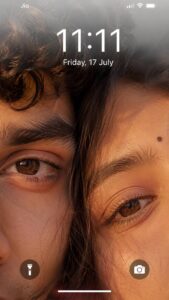
To create this viral Boy Girl AI Lock Screen Photo, you’ll first need two separate, high-quality photos of a boy and a girl. Try to ensure that the faces are clearly visible in both photos, and the photos aren’t too blurry or low-quality, as using clear images helps the AI better understand faces and other details. In this editing, both photos are combined in a single frame using AI to create a natural, close-up look for the boy and girl. Specifically, the faces, eyes, skin details, lighting, and overall framing are kept in such a way that the final image looks like a stylish smartphone lock screen wallpaper. This doesn’t require manual editing in any complicated photo editing software. You can upload both photos to ChatGPT and use the prompt below. The AI will combine the two images based on the details provided in the prompt to create a similar lock screen style photo. For better results, use photos where the angle of the face isn’t too different. If both photos are clear and of good quality, the final AI-generated image can also appear more natural and attractive. Now copy the Boy Girl AI Lock Screen Photo Editing Prompt below and use it with both of your photos in ChatGPT.
Boy Girl Lock Screen Photo Prompt
How To Use Boy Girl AI Lock Screen Photo Prompt?
Using this prompt is quite easy. First, choose a photo of a boy and a girl of your choice. Try to make both images clear and of good quality so that the AI can correctly understand the facial details. Now upload both photos to ChatGPT and paste the Boy Girl AI Lock Screen Photo Editing Prompt given above into the same chat. After pasting the prompt, ask the AI to analyze both images and create a new photo in the style described. After the image is generated, if the result is not exactly what you want on the first try, you can change small details in the prompt. For example, the framing of the photo, the background, the lighting, or the positioning of both faces can be adjusted to your liking. Once you like the final result, save the AI-generated photo to your device. After this, you can use it as your smartphone’s lock screen wallpaper or share it on Instagram and other social media platforms.
Final Thoughts
Hopefully, this article will help you easily transform two separate photos of you and your partner into a stylish Boy Girl AI Lock Screen Photo. With the right photos and the provided prompt, you won’t need any complicated editing software. If the first result isn’t what you expected, you can regenerate the image by changing small details in the prompt. The framing, lighting, background, or positioning of both photos can all be adjusted to your liking. Once you’re satisfied with the final image, you can add it to your smartphone’s lock screen for a new and personalized look. You can also share this image on Instagram or other social media platforms. We hope you’ll enjoy this AI photo editing idea and use it to create a stunning lock screen photo of your choice.